11. Click on the OK button.
9 The "New Event" window closes.
9 "Reactions" receives two additional entries with the endings
"Deactivate" and "Activate".
Starting the timer
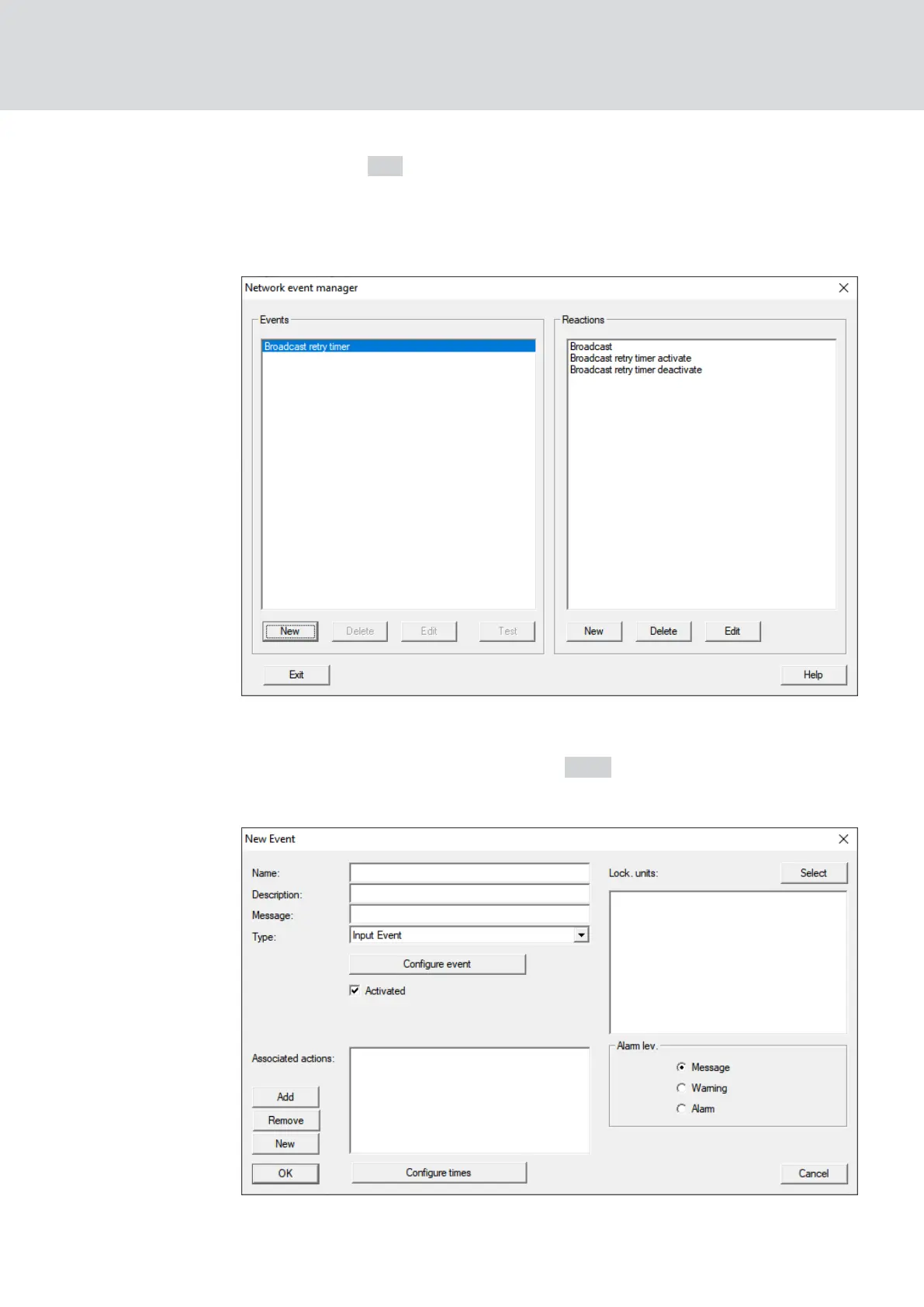
1. In the area "Events" click the button New .
9 The window "New Event" opens.
2. Enter a name and a description.
WaveNet (Manual)
5. WaveNet Manager
123 / 210



 To Next Page