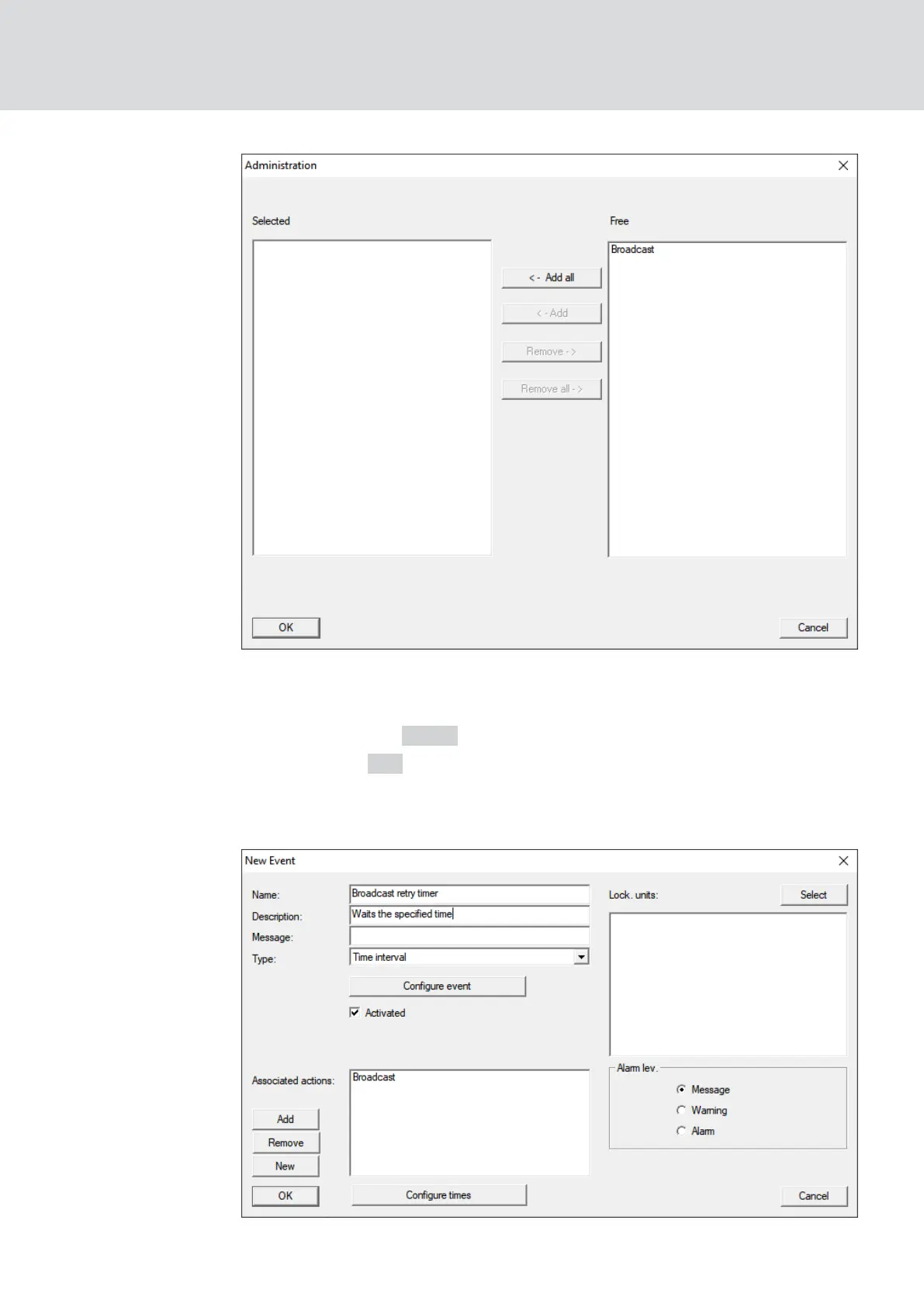
8. Mark the response which you have just created and which is to be
triggered when the timer event expires without being interrupted.
9. Click the button ← Add .
10. Click on the OK button.
9 The "Administration" window closes.
9 Action is displayed in the list of actions associated with the event.
WaveNet (Manual)
5. WaveNet Manager
122 / 210



 To Next Page