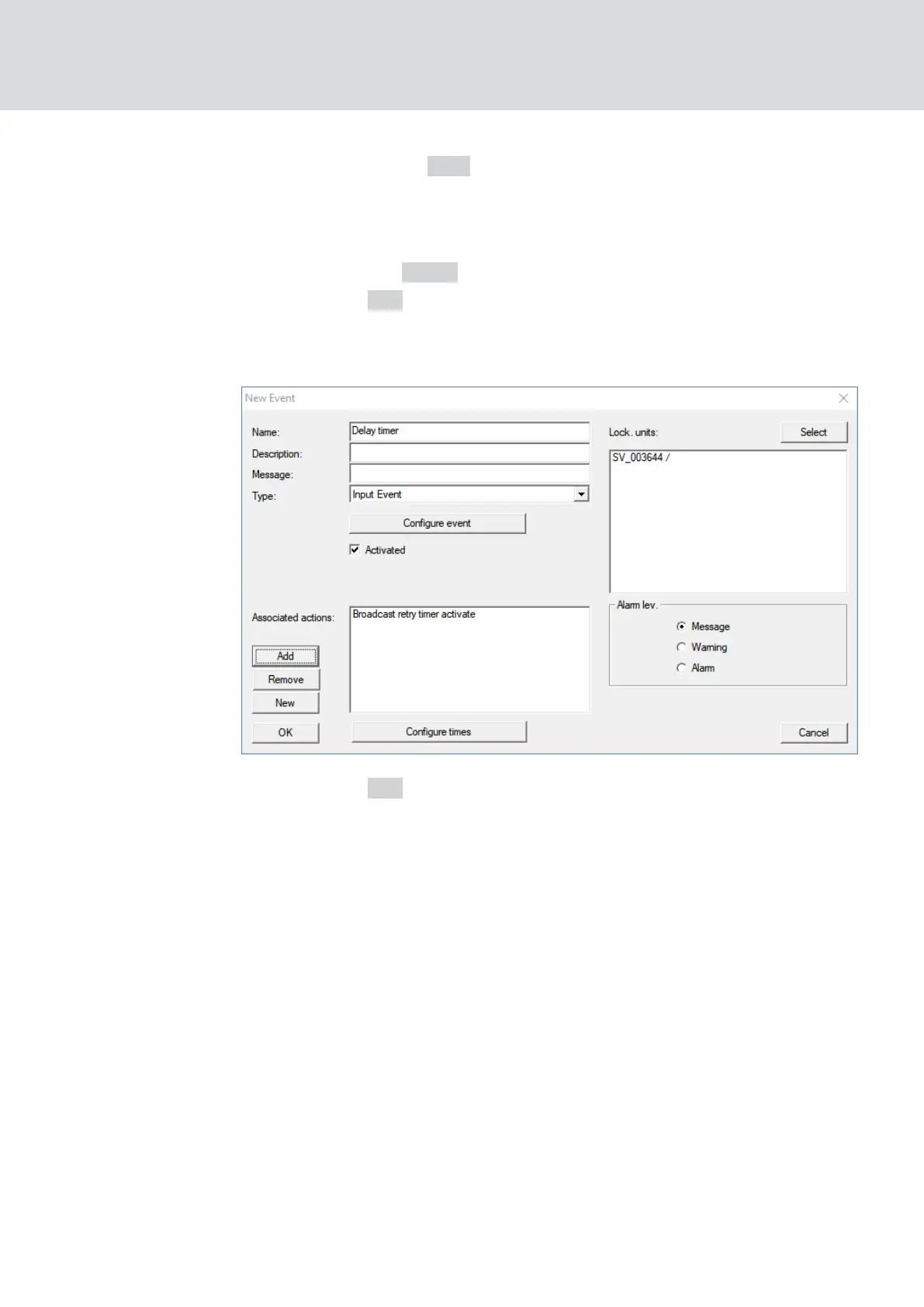
11. Click on the button Add .
9 The window "Administration" opens.
12. From the responses you created earlier, mark the one with the ending
"activate".
13. Click the button ← Add .
14. Click on the OK button.
9 The "Administration" window closes.
9 Action is displayed in the list of actions associated with the event.
15. Click on the OK button.
9 The "New Event" window closes.
9 LSM backup is set up.
WaveNet (Manual)
5. WaveNet Manager
126 / 210



 To Next Page