Cancel timer event
ü On the central output router, at least one digital output is set to "Input
receipt short" or "Input receipt static" eingestellt (see
RouterNode:
Digital output [}74]
).
1. At the central output router, connect a free input input to a digital out-
put with input acknowledgement (see
Central output router [}132]
).
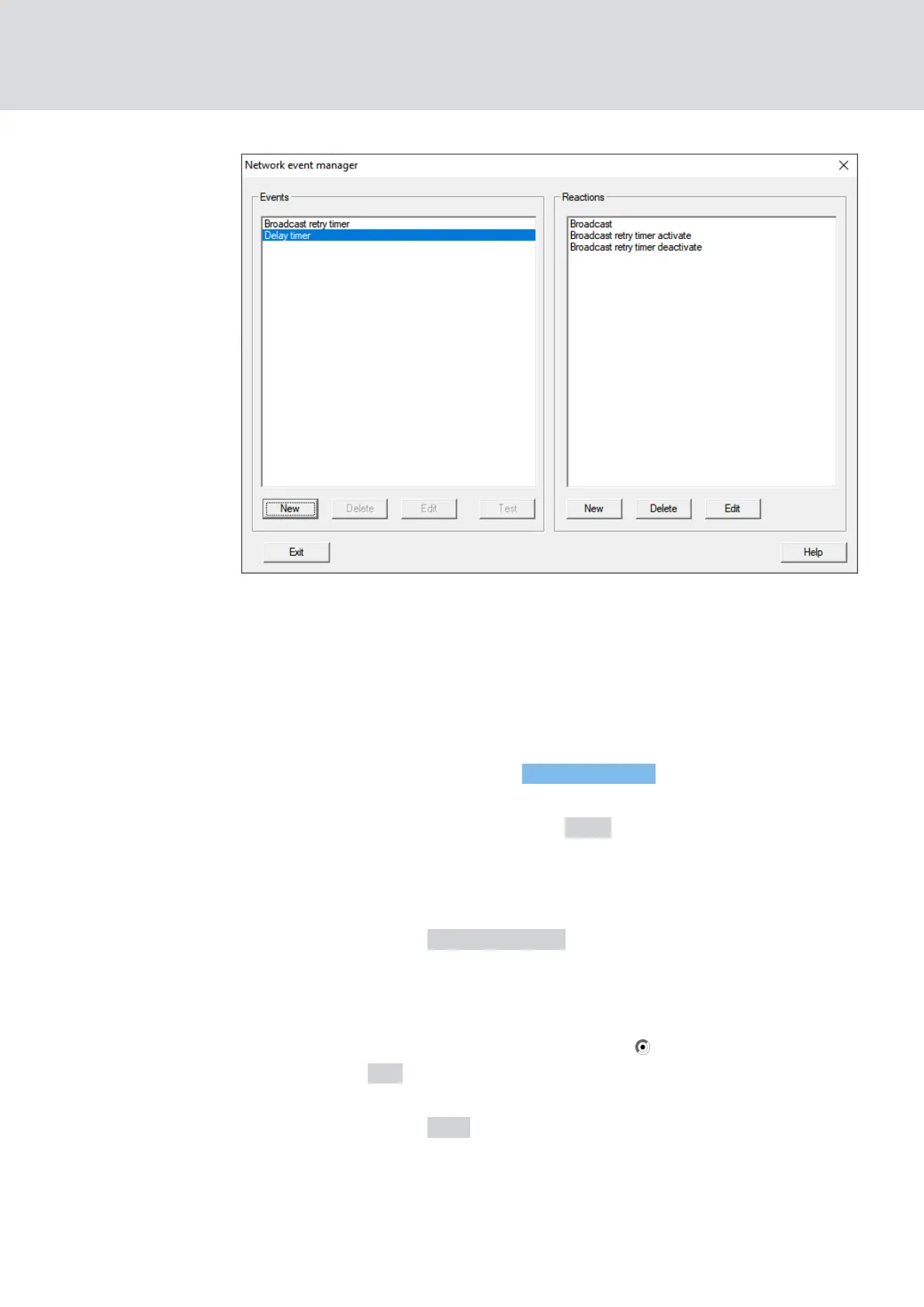
2. Via |Network| select the entry Event manager .
9 The window "Network event manager" opens.
3. In the area "Events" click the button New .
9 The window "New Event" opens.
4. Enter a name for the event, e.g. "Backup abort".
5. In the dropdown menu ▼ Type select the entry "Input Event".
6. Click on the button Configure event .
9 The window "Input Event" opens.
7. In the "Select input" area, select the input to which the central output
router's acknowledgement is to be created.
8. In the area "Input changes" select the option from 1 to 0.
9. Click on the OK button.
9 The window "Input Event" closes.
10. Click on the button Add .
9 The window "Administration" opens.
11. From the responses created earlier, select the one with the ending "ac-
tivate".
WaveNet (Manual)
5. WaveNet Manager
127 / 210



 To Next Page