4. In the dropdown menu ▼ Select domain select an input for which in ▼
Delay [s] you have selected "RingCast".
9 In the field "selected routers" all RouterNode2 appear for which at
the beginning at ▼ Delay [s]
you have selected the input
"RingCast"
(=Domain).
5. Click the button Save .
6. Click the button Exit .
9 The "Edit radio domains" window closes.
9 The window "WaveNetManager" opens.
7. Click on the button Yes .
9 The "WaveNetManager" window closes.
9 Changes will be updated.
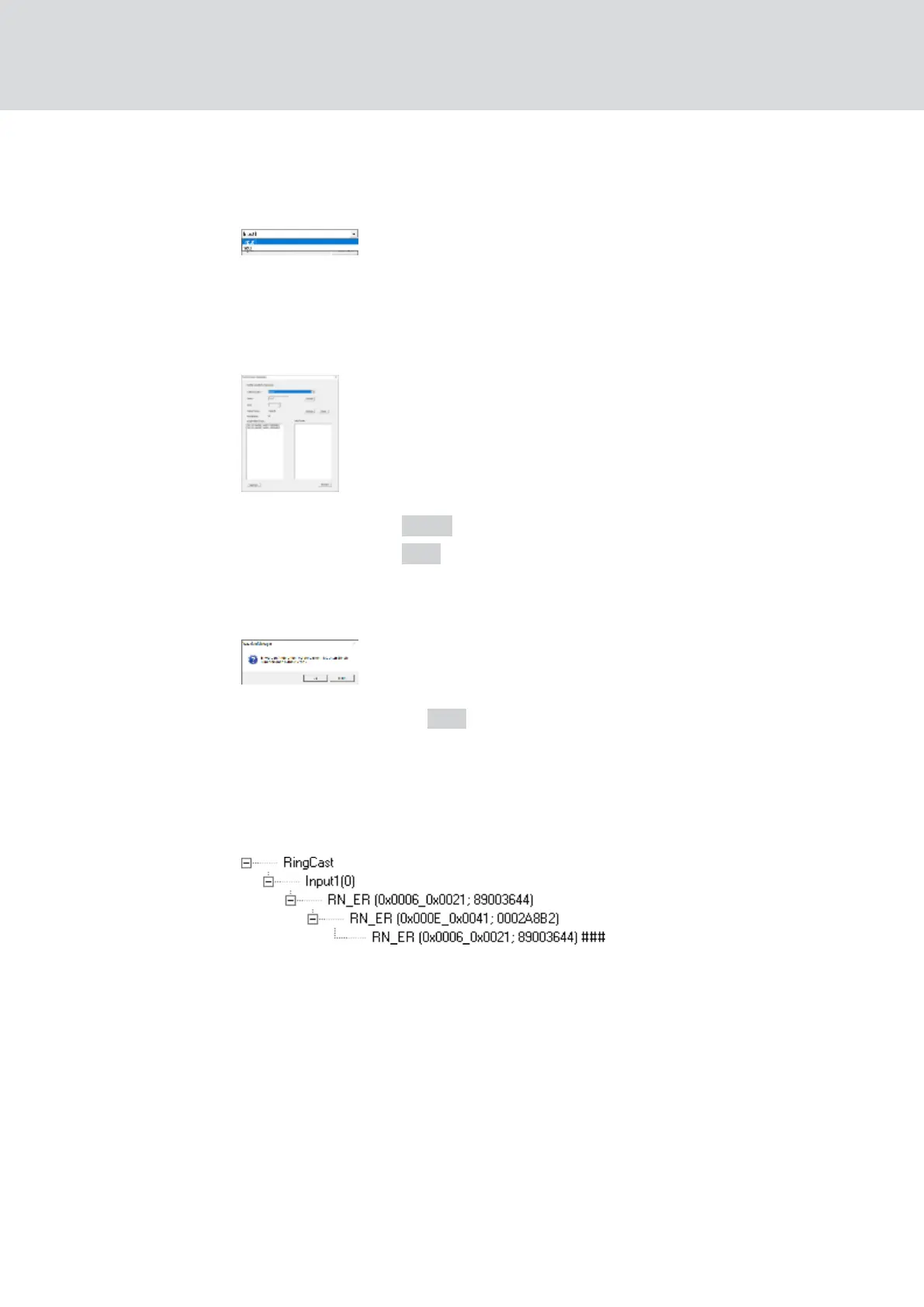
9 The RingCast is created and will be visible in the WaveNet Manager
after a short time.
Save the new settings and exit the WaveNet Manager.
5.4.5.7 Central output router
The availability of this function is firmware dependent (see
Firmware
information [}39]
).
You can read out the firmware version of your RouterNode via the browser
interface (see
Browser interface [}140]
) or the OAM tool (see
Updating
firmware [}32]
).
WaveNet (Manual)
5. WaveNet Manager
132 / 210



 To Next Page