NOTE
Protocol generation in the LSM
The log generation is displayed in the LSM in the locking system properties
on the tab page
[Name] in the area "Protocol generation".
11. Enter the locking system password.
12. Click on the OK button.
13. Make the same settings on the other RouterNodes 2 as well.
5.4.5.6 Adding a RingCast
NOTE
Recalculating the RingCast
If you replace or delete a RouterNode in the RingCast or change its
RingCast-relevant IO configuration, the RingCast is automatically recalcu-
lated after saving the changes and confirming the request.
ü WaveNet Manager opened via LSM (see
Best Practice: From the LSM
software [}37]
)
ü RouterNodes and LockNodes connected to power.
ü RouterNodes and LockNodes imported into WaveNet topology (see
Finding and adding devices [}48]
).
ü RouterNodes for RingCast prepared (see
Preparing RouterNode for
RingCast [}129]
).
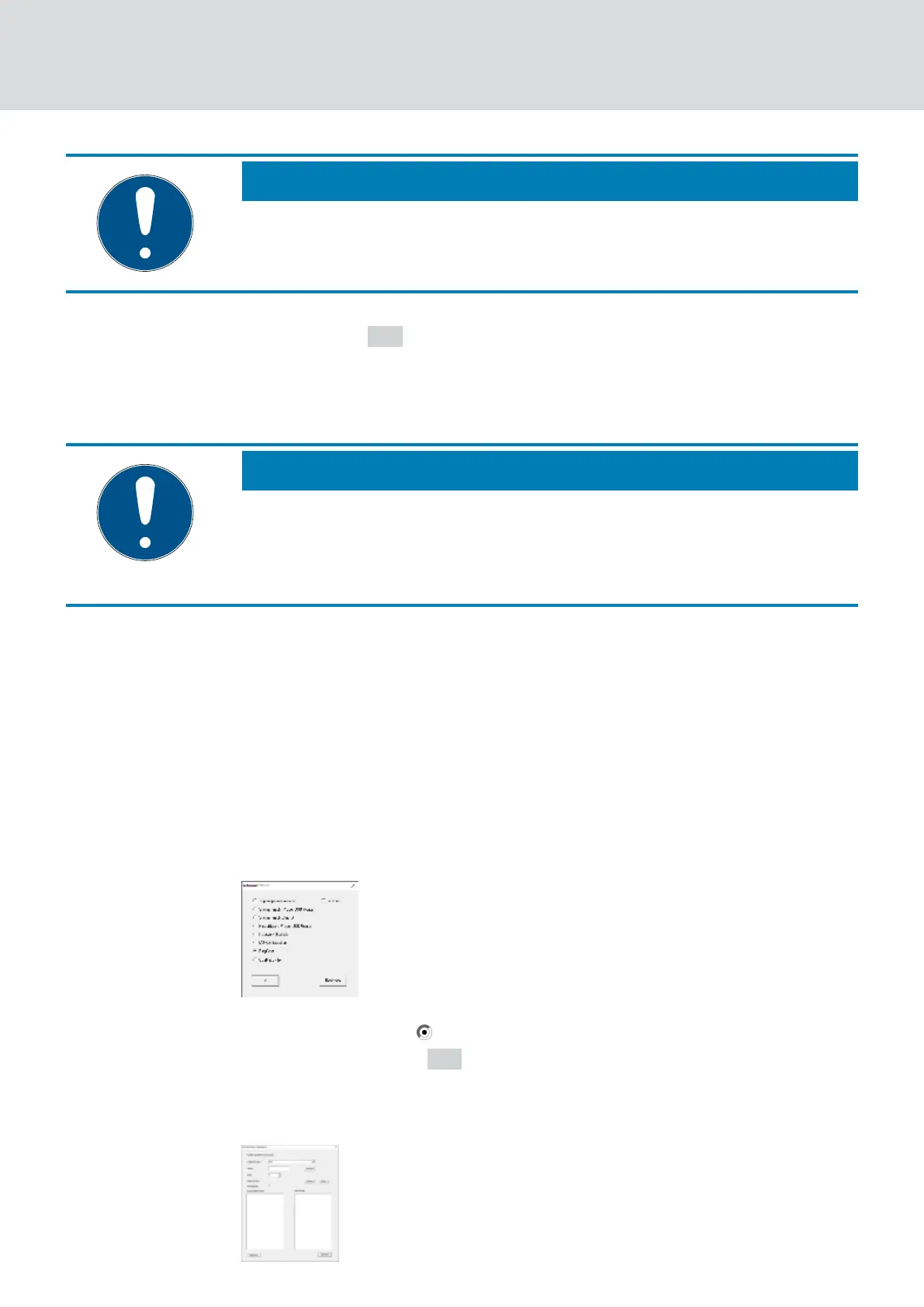
1. Right-click on the WaveNet XX_X entry.
9 The window "Administration" opens.
2. Select the option RingCast.
3. Click on the button OK .
9 The "Administration" window closes.
9 The window "Edit radio domains" opens.
WaveNet (Manual)
5. WaveNet Manager
131 / 210



 To Next Page