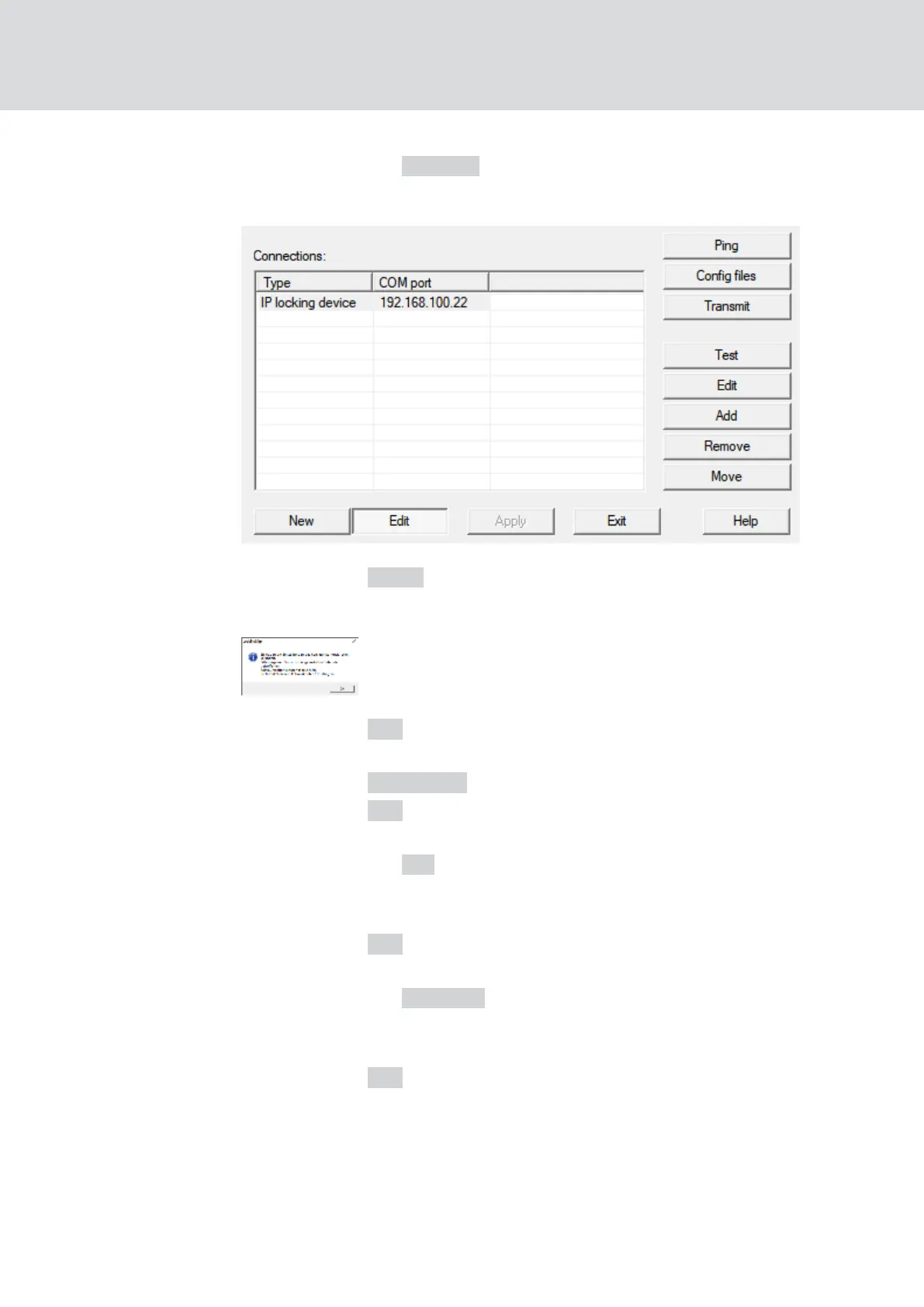
4. Click the button Remove .
9 RouterNodes are removed from the list.
5. Click on the Apply button.
9 The window "LockSysMgr" opens.
6. Click on the OK button.
9 The "LockSysMgr" window closes.
7. Click on the Config files button.
8. Click on the OK button.
9 A query about the node-specific storage location opens.
9. Click the button No .
9 A query about the node-specific storage location closes.
9 Confirmation message opens.
10. Click on the OK button.
9 Confirmation message closes.
11. Click the button Transmit .
9 Data is transmitted to the communication node.
9 Confirmation message opens.
12. Click on the OK button.
9 Confirmation message closes.
WaveNet (Manual)
5. WaveNet Manager
166 / 210



 To Next Page