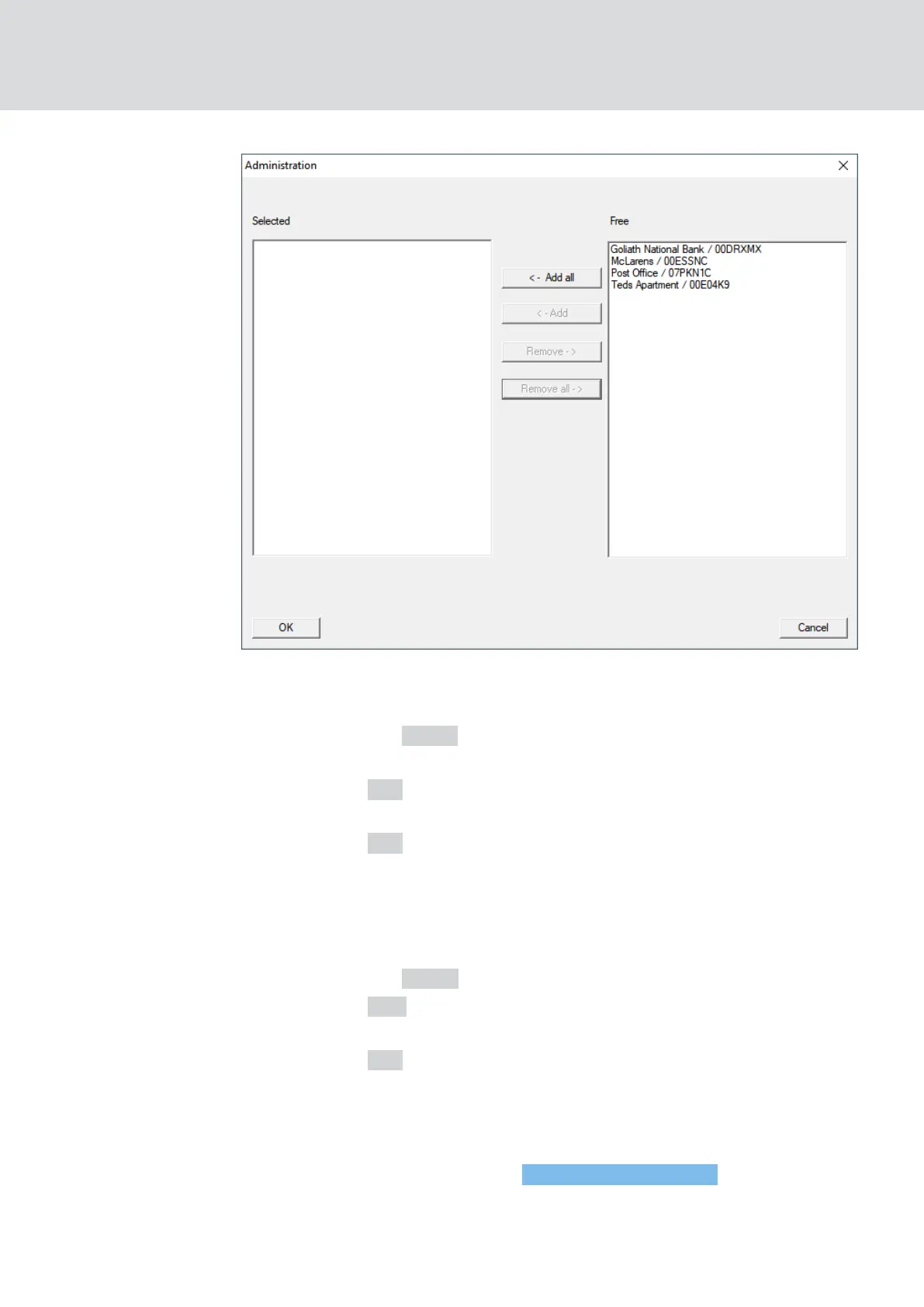
8. Select all locks whose battery status you want to monitor (usually all
locks that are battery operated and networked).
9. Click the button ← Add .
9 The selected locks are now in the left-hand column.
10. Click on the OK button.
9 The window "Administration" closes.
11. Click on the OK button.
9 The "Task" window closes.
12. In the area "Task service" in the dropdown menu ▼ Task service and
event service run on the following CommNode server, select the
CommNode you want to use for testing the LockNodes.
13. Click the button Apply .
14. Click on the Exit button.
9 Reminder window opens.
15. Click on the OK button.
9 Reminder window closes.
9 The window "Task manager" closes.
9 Task set up in LSM.
Transfer to com-
munication nodes
1. Via |Network| select the entry Communication nodes .
2. Make sure that the communication node you just used is selected.
WaveNet (Manual)
6. Battery management
187 / 210



 To Next Page