NOTE
Time estimate
Depending on the size of your WaveNet, the automatic configuration may
take a few minutes.
You can expect about two minutes per router.
5.4.2.1 Complete or limited (select RouterNodes from list)
ü WaveNet Manager opened via LSM (see
Best Practice: From the LSM
software [}37]
)
ü RouterNodes/LockNodes within range.
1. Right-click on the WaveNet_XX_X entry.
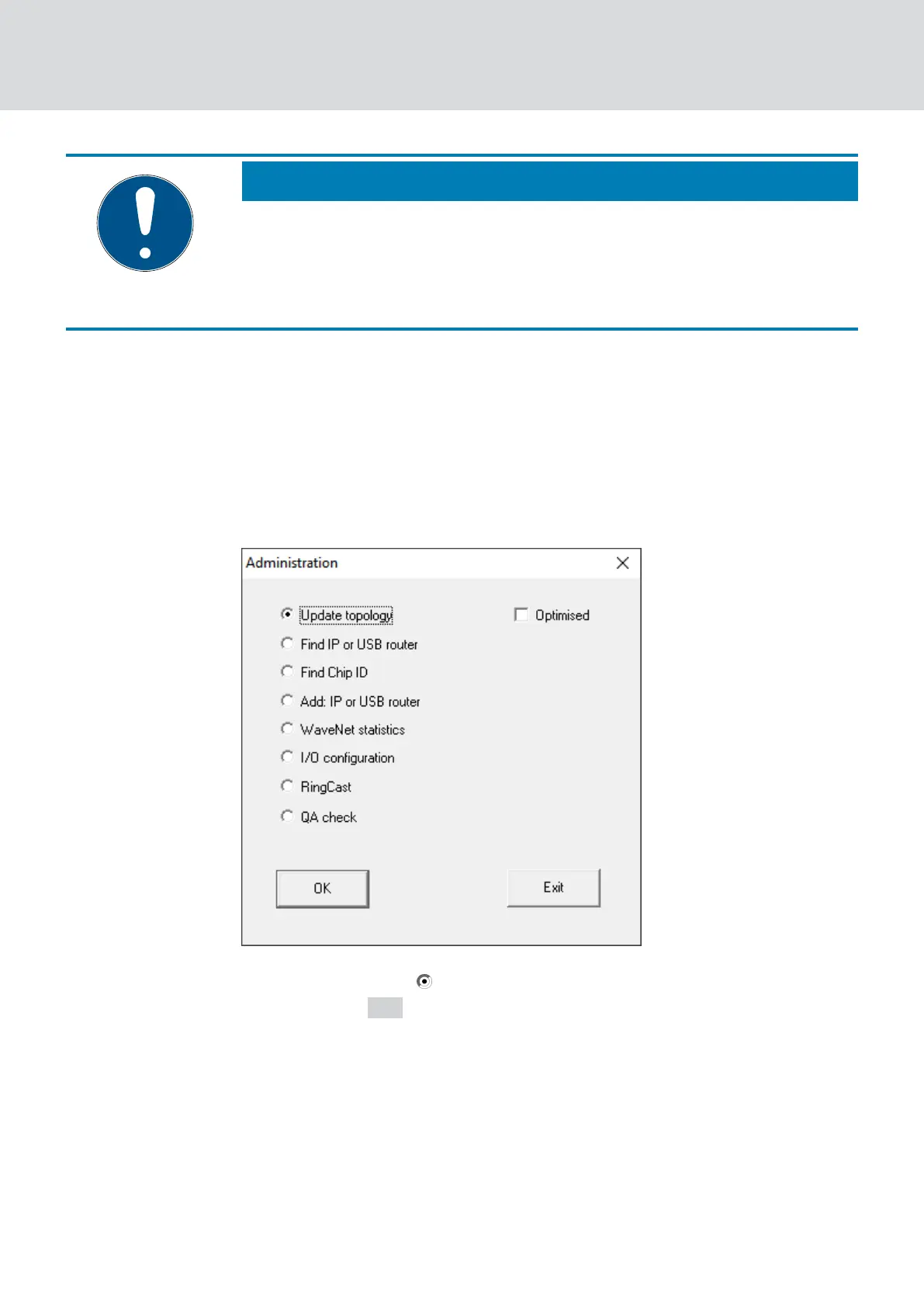
9 The window "Administration" opens.
2. Select the option Update topology.
3. Click on the OK button.
9 The "Administration" window closes.
9 The window "Select CN/RN" opens.
WaveNet (Manual)
5. WaveNet Manager
45 / 210



 To Next Page