Set IP for operation with static IP address
If you are not using a DHCP server, the IP address is the factory default. In
this case you must change the IP address, otherwise several router nodes
will have the same IP (namely the factory IP) and will not be able to
communicate.
ü OAM tool available and unpacked.
ü RouterNode connected to the network.
1. Double-click on the executable file to start the OAM tool.
9 The OAM tool opens.
2. Click on the button Refresh .
9 IP address of the RouterNode updated.
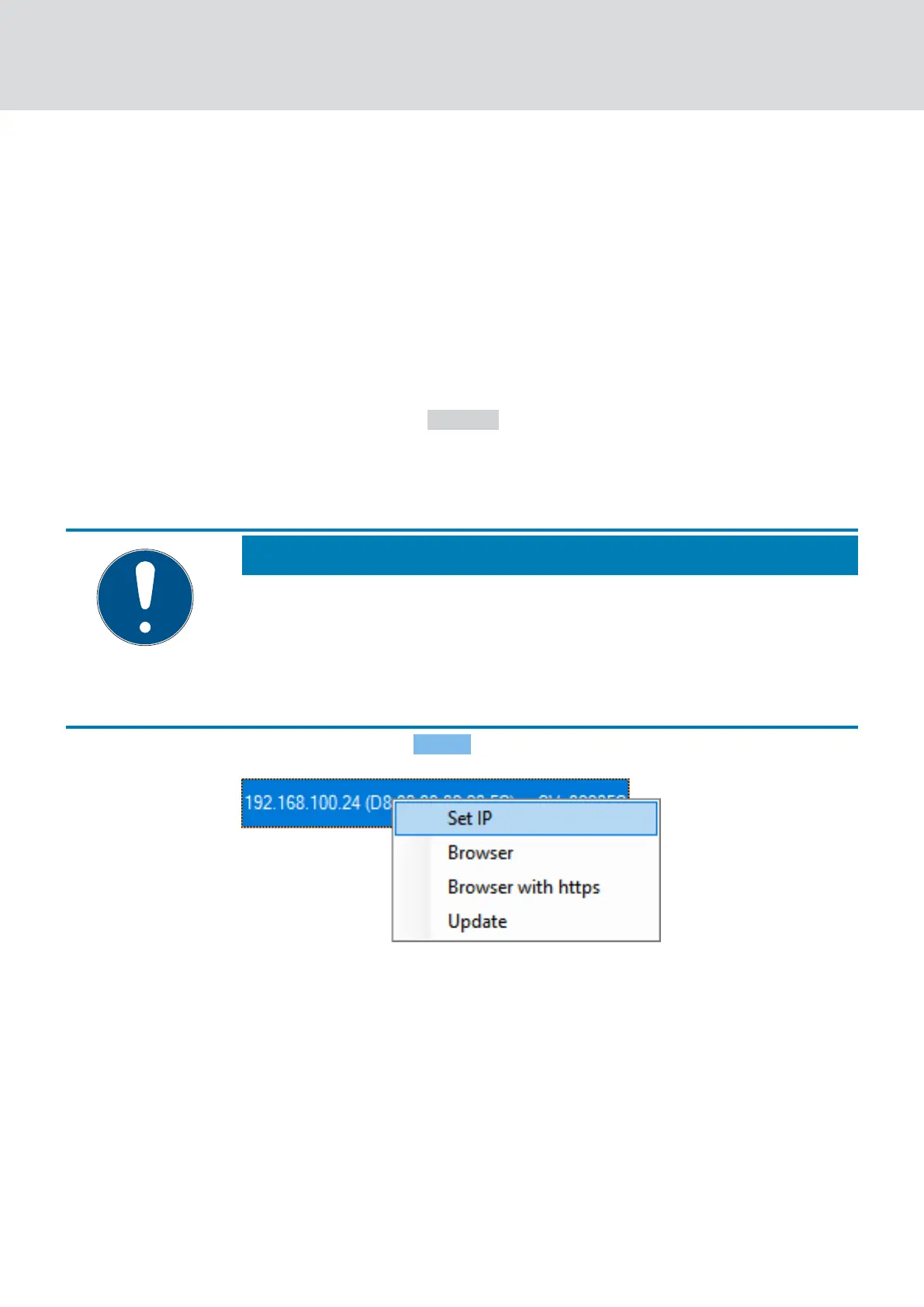
3. Open the context menu by right-clicking on the entry of the IP address
of the RouterNode.
NOTE
Compare MAC
If you select the wrong RouterNode, you could assign the same IP address
multiple times.
Compare the MAC address of the entry with the label on your
RouterNode.
4. Click on the entry Set IP .
9 The window "Network configuration" opens.
WaveNet (Manual)
5. WaveNet Manager
52 / 210



 To Next Page