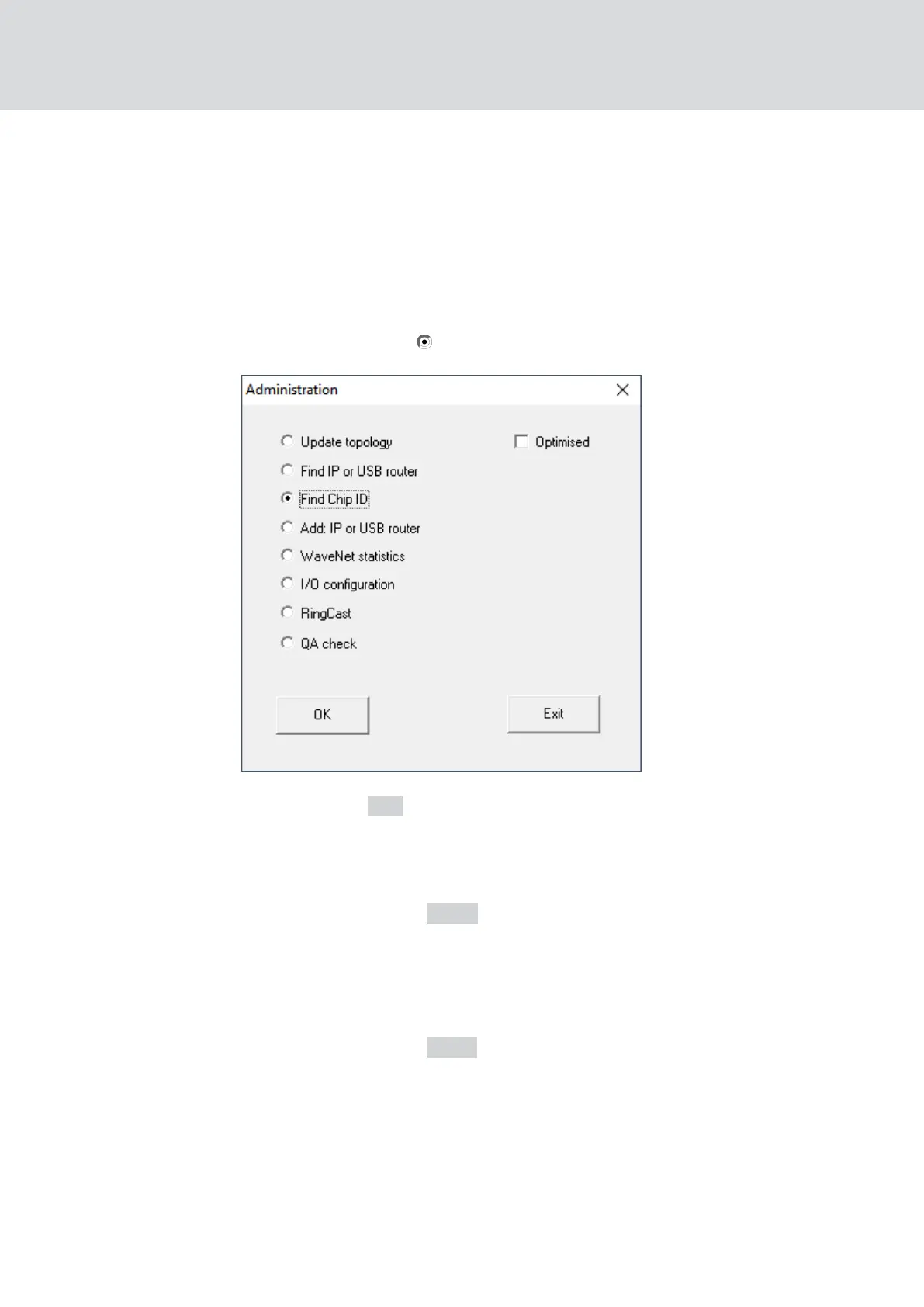
Find Chip ID
ü RouterNode connected to the network.
ü Chip ID of the RouterNode still to be configured known.
ü WaveNet Manager is open.
1. Right click the entry WaveNet_XX_X.
9 The window "Administration" opens.
2. Select the option Find Chip ID.
3. Click on the OK button.
9 The "Administration" window closes.
9 The window "Search for node" opens.
4. Enter the chip ID.
5. Click on the button Start .
9 The window "Search for node" closes.
9 The window "Procedure started" opens temporarily.
6. Add the RouterNode.
9 RouterNode is listed.
7. Click on the button Save .
9 RouterNode is added.
WaveNet (Manual)
5. WaveNet Manager
56 / 210



 To Next Page