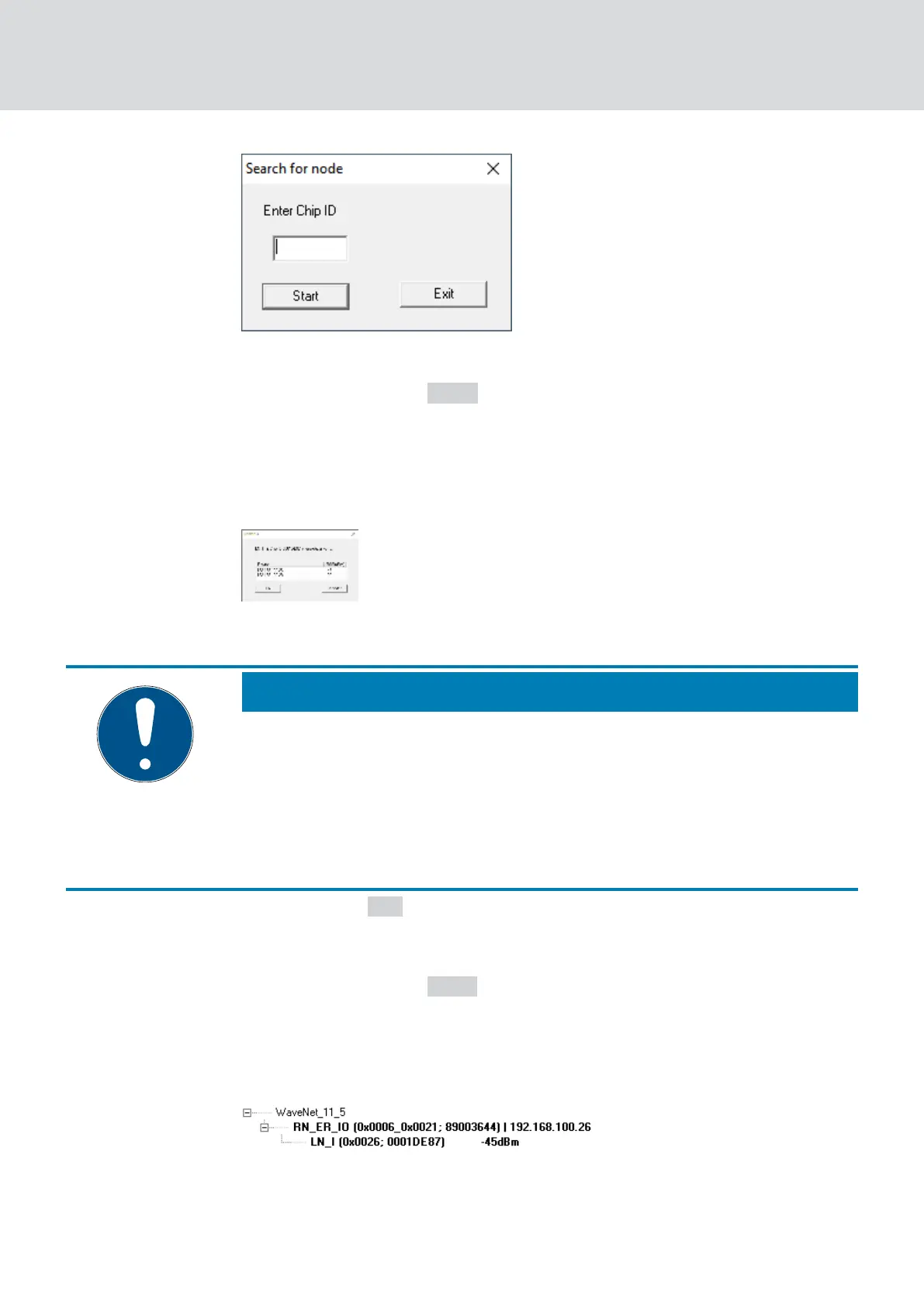
4. Enter the chip ID.
5. Click on the button Start .
9 The "Search for node" window closes.
9 WaveNet Manager searches for reachable chip IDs.
9 The window "Result" opens. You will see a list of router nodes that
reach the LockNode.
6. Select the RouterNode with which you want to spark the LockNode.
NOTE
Observe the signal strength
Reliable operation requires sufficient signal strength (better than -85
dBm).
1. Select the RouterNode with the best signal strength.
2. If no RouterNode has sufficient signal strength, position a RouterNode
closer to the LockNode.
7. Click on the OK button.
9 The window "Result" closes.
9 The "Procedure started" window opens temporarily.
8. Click on the button Save .
9 LockNode is imported and linked to the selected RouterNode.
LockNodes are displayed in the WaveNet topology below the RouterNode
to which they are assigned.
WaveNet (Manual)
5. WaveNet Manager
60 / 210



 To Next Page