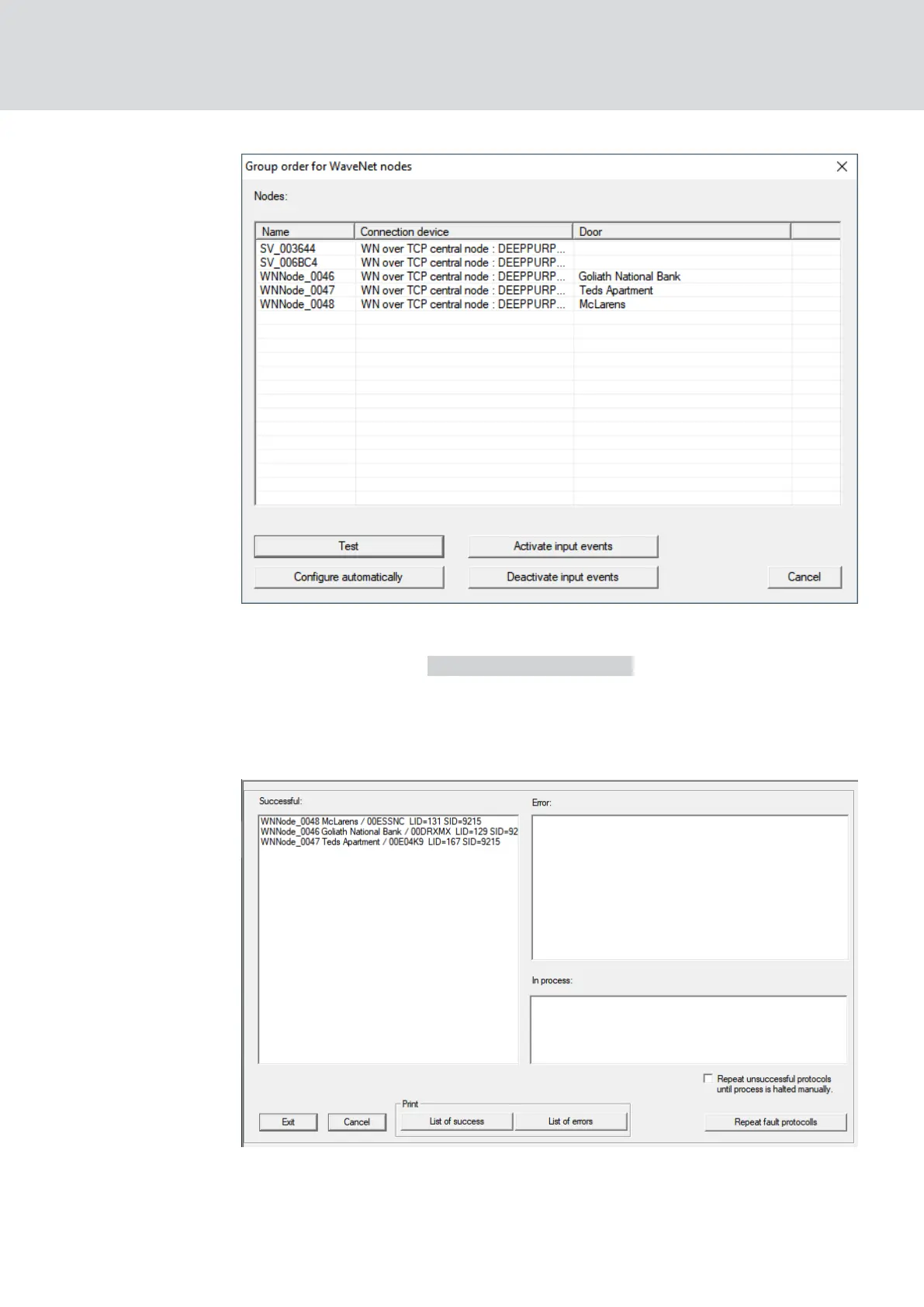
2. Select the LockNodes you want to assign.
3. Click on the button Configure automatically .
9 The "Group order for WaveNet nodes" window closes.
9 LSM assigns LockNodes.
9 LockNodes are assigned to locks.
You can address your locks with LockNodes via your WaveNet after they
have been successfully assigned.
WaveNet (Manual)
5. WaveNet Manager
67 / 210



 To Next Page