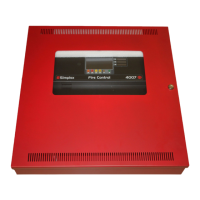
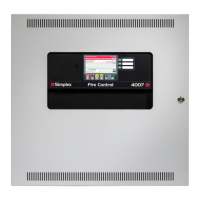
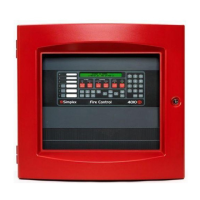
Table 14: Programming NAC Operation
Method Description
Text-based
programming
The ninth prompt, shown below, asks you to set the NAC Operation.
[09] NAC OPERATION:
d 1 = Both on til Silence with no inhibit
*2 = NAC1 - on til Reset, NAC2 - on til Silence with no inhibit
3 = Both on til Reset with no inhibit
4 = Both on til Silence with 60 sec inhibit
5 = NAC1 - on til Reset, NAC2 - on til Silence with 60 sec inhibit
6 = Both on til Reset with 60 sec inhibit
(d=default, *=current setting)
Select Number(X=exit):
Enter the number corresponding to the value you want to select and press the carriage return. Refer to
"Programming Supervisory Operation" for a description of the next programming step.
Front panel
programming
Use the RESET key to scroll through the selections. When the desired choice is illuminated, press the ACK key to
save the selection in memory and move to the next step.
6.12 Programming Supervisory Operation
Supervisory input points can be programmed as either latching or non-latching, as described below. (Only certain applications can connect
supervisory points to the system. See Table 1-1 for information on which applications support supervisory inputs.)
• UL Latching Supervisory Point. A latching supervisory point latches (stays ON) until the supervisory condition (open OSY valve, for
example) clears and the panel is reset. Zone location is indicated by the blinking LED for that circuit.
• UL Non-Latching Supervisory Point. This type of supervisory point does not require user intervention (i.e., panel does not need
to be reset) to clear the supervisory condition from the panel. It only requires that the abnormal state causing the condition be
cleared. For example, if a supervised OSY valve is opened, a supervisory condition appears at the panel. When the valve is closed, the
supervisory condition clears. Zone location is indicated by the blinking LED fro that circuit.
• UL Latching Supervisory Operation. Same as UL latching operation, except zone location is NOT indicated by the flashing yellow
LED.
page 49 579-354 Rev. X
4004R Fire Alarm installation, programming, and operating instructions



 To Next Page