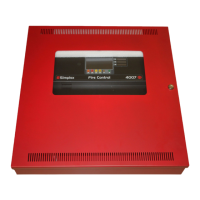
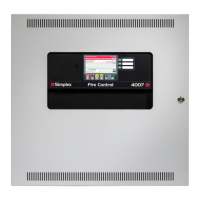
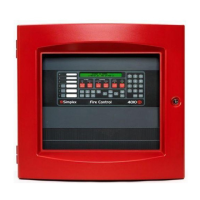
6.2 Front panel programming
Programming the 4004R from the front panel is an 11-step process. With this method, the 4004R uses the LEDs on the front of the panel
to represent the available programming options. The left column of LEDs represents which general programming option is selected and
the right column represents context-sensitive choices for the selected programming option. The System Reset key allows you to move
down through the choices and the ACK key is used to accept a selection and move to the next programming step. The Alarm Silence key
has no programming function.
Figure 31 summarizes the operation of the front panel programming method. When you place the Program Switch in the ON position, the
panel immediately enters programming mode and the LEDs appear as shown in 1-1 Application Mode.
Figure 31: Summary of programming modes and options
6.3 Programming the Application Mode
The first programming step is to select the application mode, for example Agent Release, Single Hazard, Cross Zoned, Combined Release,
and so on. The 4004R can be programmed with any one of thirteen agent release or preaction deluge application modes.
Note: Refer to Appendix D Applications with Relay Options for a summary of each application mode.
page 38 579-354 Rev. X
4004R Fire Alarm installation, programming, and operating instructions



 To Next Page