29
1.0 5.0
7.03.5
0.0
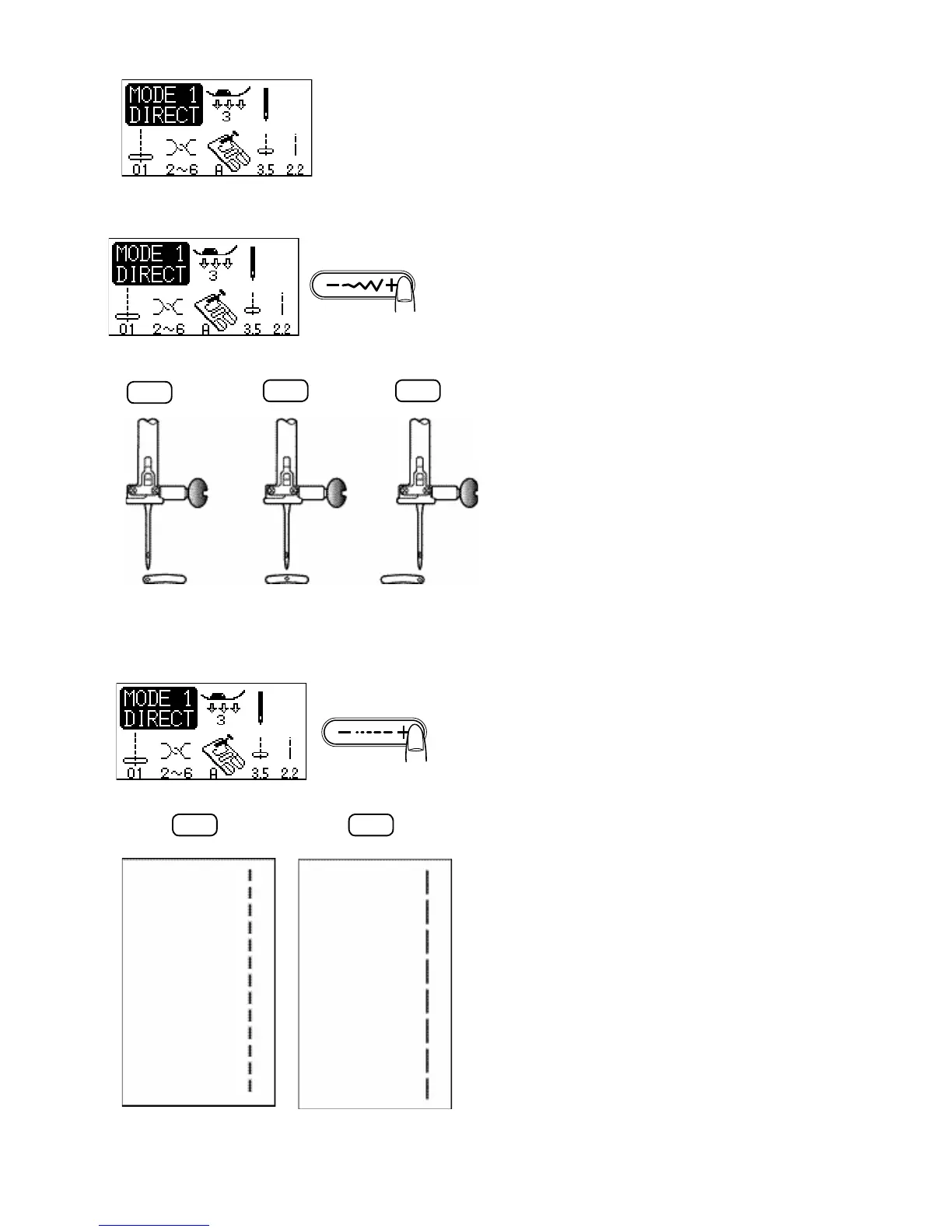
Adjusting the needle position
The needle position can be altered by pressing the stitch
width adjusting button. The multiple needle movements
can give you great stitching control when seaming and
topstitching.
Press the right side of the button (+ sign) to move the
needle bar to the right.
Press the left side of the button (- sign) to move the needle
bar to the left.
Adjusting the stitch length
The stitch length can be altered by pressing the stitch
length adjusting button.
The stitch length indication will change as pressing the
button.
Press the right side of the button (+ sign) to increase the
stitch length.
Press the left side of the button (- sign) to decrease the
stitch length.



 To Next Page