CGM User Guide
55 Section 3 Understand Your iCan i3 CGM Results
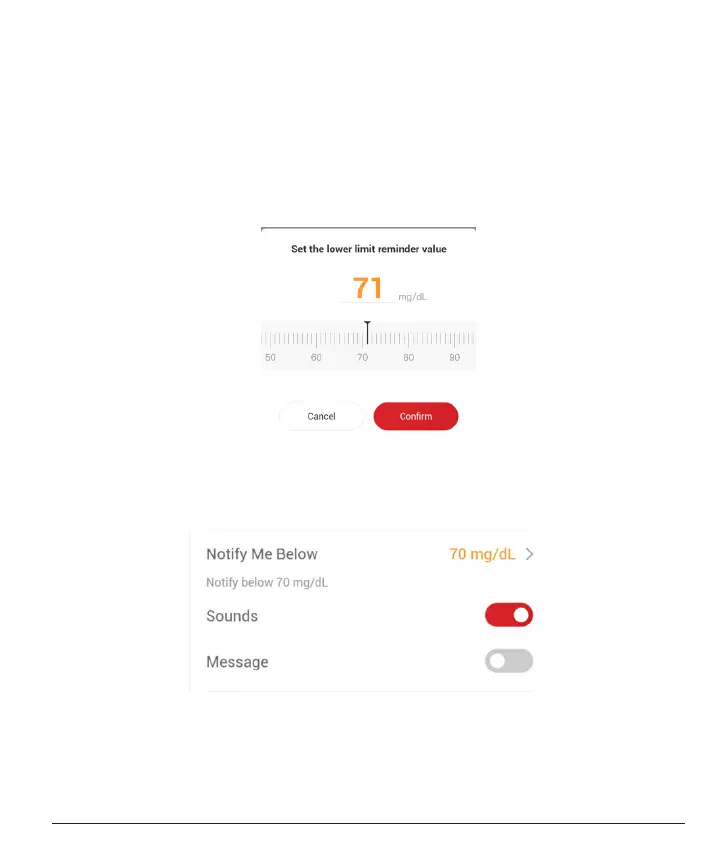
Low Glucose Alert
The Low Glucose Alert is on by default. Tap the slider to turn the alert
o.
If the alert is on, you will be notied when your glucose falls below
the pre-set level, which is initially set to 70 mg/dL (3.9 mmol/L). Tap to
change this value between 55 mg/dL (3.1 mmol/L) and 99 mg/dL (5.5
mmol/L).
Choose the sound and message for this alert. Volume and vibration will
match your mobile device settings.



 To Next Page