CGM User Guide
Section 3 Understand Your iCan i3 CGM Results 54
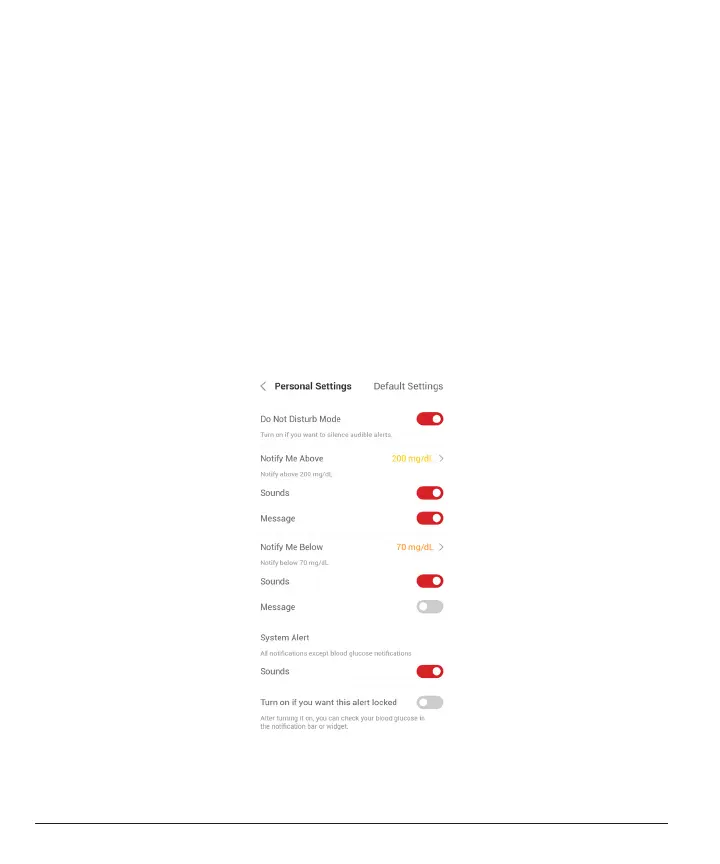
3.5.3 Customizing Your Alerts
How you set up your alerts can help you reach your diabetes
management goals. Work with your HCP to come up with the best alert
customization for you and your goals.
The default glucose alert settings are 200 mg/dL (11.1 mmol/L) (high)
and 70 mg/dL (3.9 mmol/L) (low).
To change the default glucose alert levels:
a. Tap “Settings” at the bottom of the Sensor Warmup screen or the
home screen.
b. Select “Personal Settings.”
c. Tap the alert level to be changed.



 To Next Page