M300 Plus GNSS Receiver User Guide
21
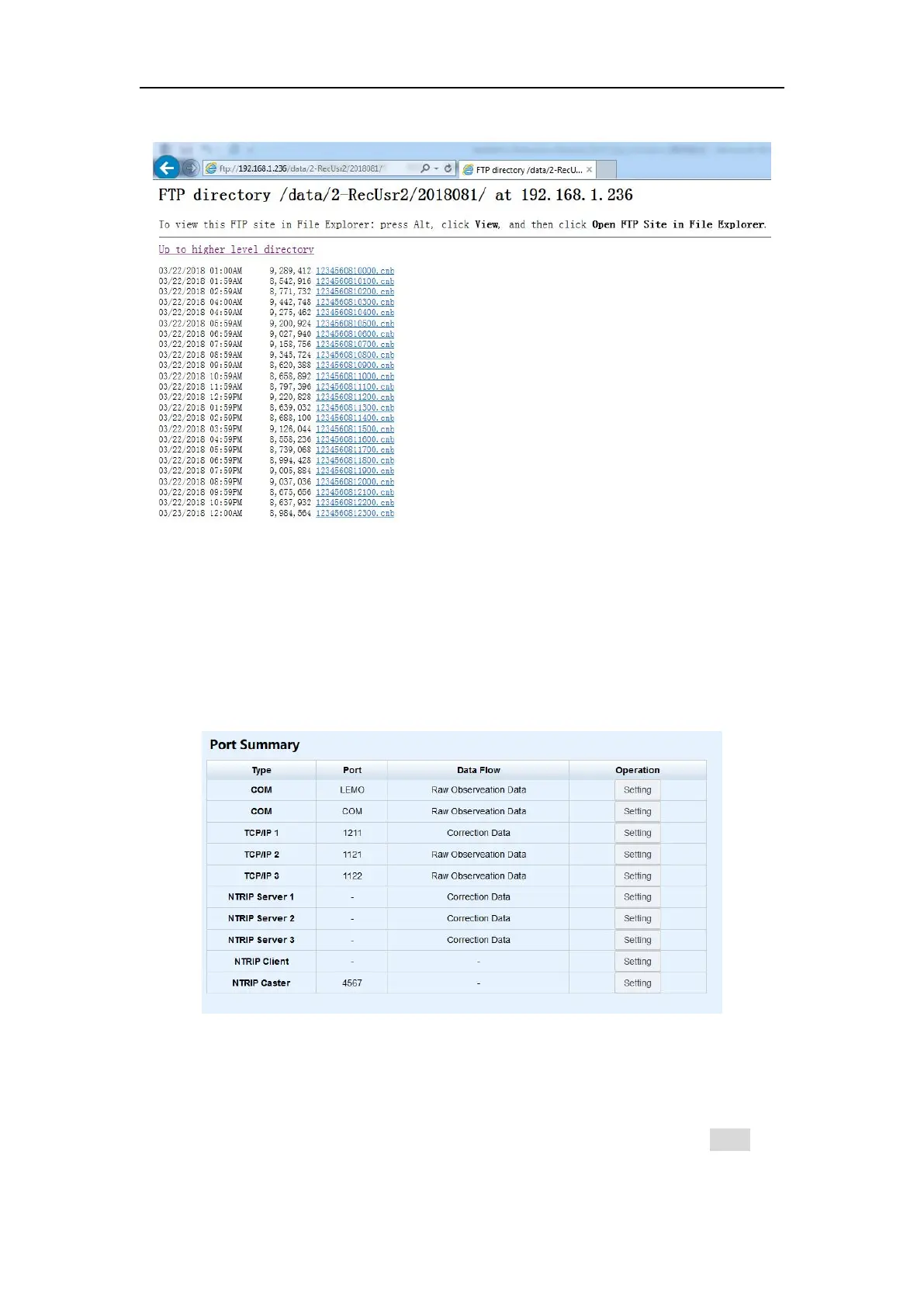
your files.
4.6 I/O Configuration
There are two ways to transfer raw data from the M300Plus receiver to your office
computer, LAN ports or serial ports. Serial ports support RS232 (com1, DB9 port) and
RS485 (com2, Lemo port) protocol; the LAN ports support TCP and Ntrip protocol.
4.6.1 Serial Port Config
The data will output from the Lemo or COM port of the receiver when you complete
the serial port settings. Select proper baud rate and data flow, and click Enter, the
corresponding serial port will output data. The format of Data flow includes:


 To Next Page