M300 Plus GNSS Receiver User Guide
32
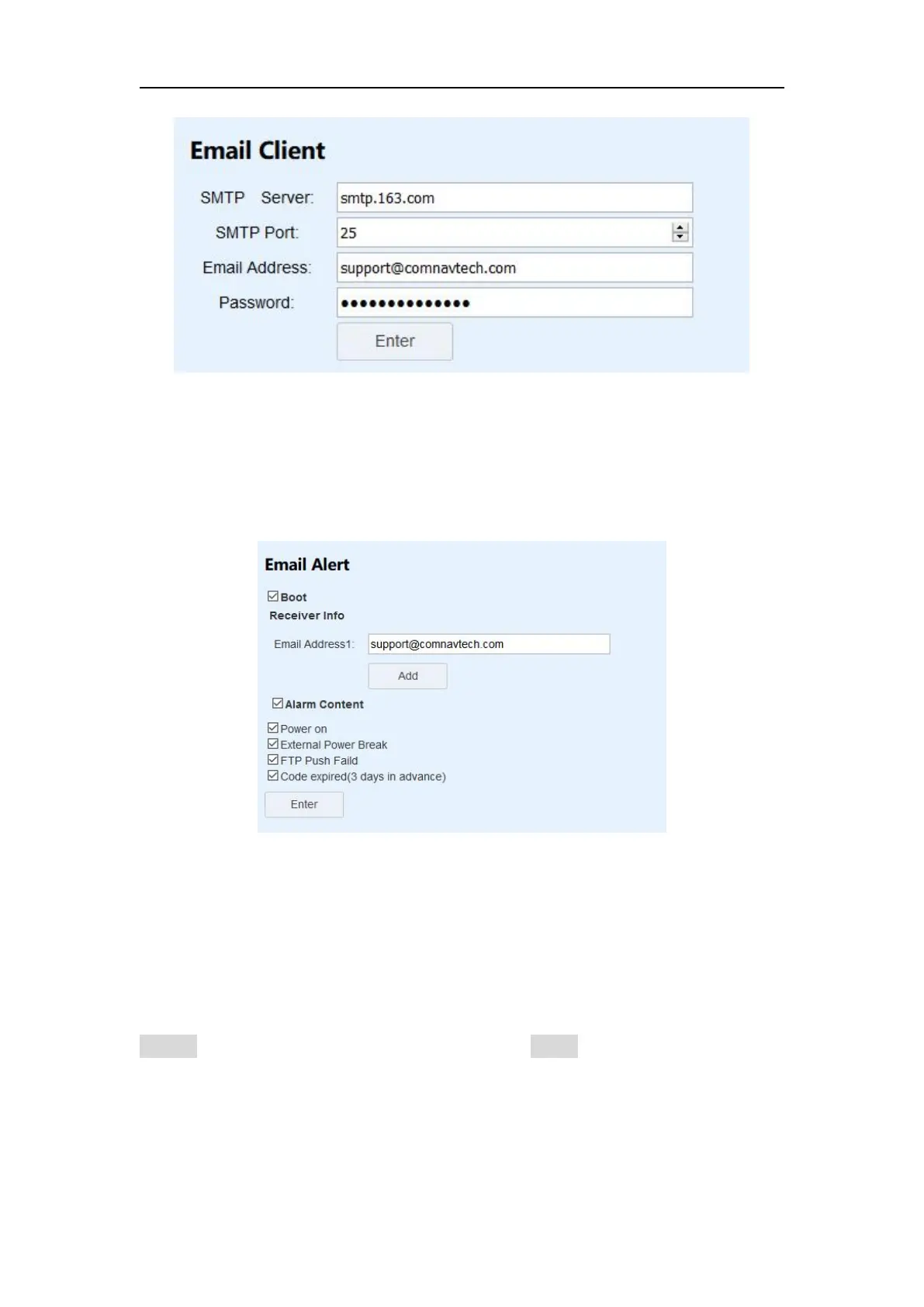
4.7.9 Email Alert
After set the Email Client, you can add no more than 3 email addresses to receive
M300Plus’s alarm, including Power on/External Power Break/Battery low/FTP Push
Failed/Code expired.
4.8 Firmware Update
You can update the system firmware, board firmware and front panel firmware in
this menu.
Select system, board or front panel upgrade according to your demand, then click
Browse to select the latest firmware version. Click Install, a progress bar shows 0 to
100% and status will be “Not allowed to do other operations during the upgrade”.
When completing firmware update, the receiver will restart automatically and
information prompted below:


 To Next Page