SITA Messtechnik GmbH - Operating Instructions SITA ConSpector
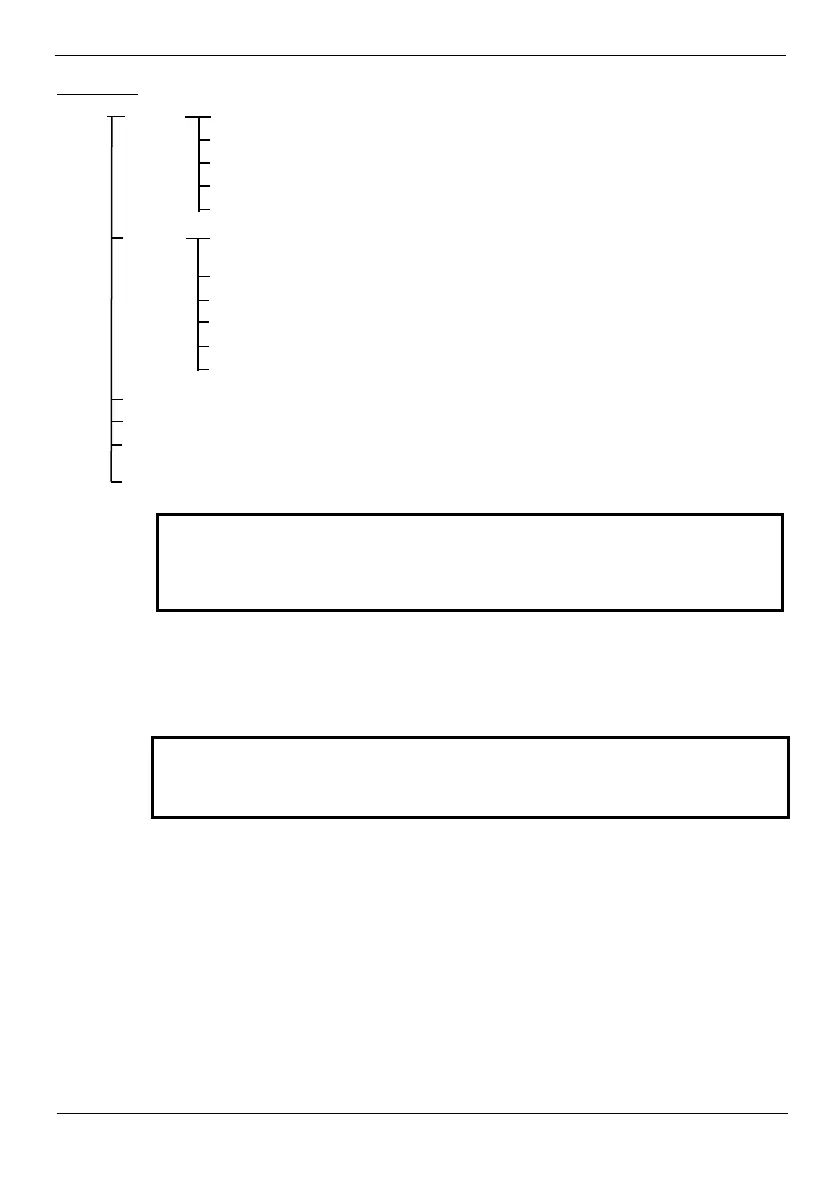
Menu tree:
Menu Profiles Edit
Changes the parameter for the selected surface profile
Creates a new surface profile (
or
)
Delete profile
Deletes the selected surface profile
Clear mem
Deletes all or the last data record
Exit
Exits the menu level
Device Display
Changes the display contrast, brightness or language (Ger-
man/English/French)
Time
Setting date and time of internal clock
Battery
Enables or disables battery charging function
Beeper
Enables or disables the signal tone
User level
Selects the user level
or
Exit
Exits the menu level
Info
Shows information of the basic device and the sensor head
Checking
Checks the correct function of the sensor (see Paragraph 8.1)
Adjustment
Carries out an adjustment of the SITA ConSpector (see Paragraph
8.3)
Exit
Exits the
In each list view displayed by the unit, you can use the save key to jump alternately
to the beginning and end of the list.
Pressing the I/O key briefly takes you back one menu level. Pressing the
START key takes you to the main view.
Profiles can be created and edited in the Profiles menu. The parameters of the selected or newly
created profile can be called up and edited under the menu item Edit or from the main screen via
the software key Param. The structure and adjustable parameters can be found in chapter 6, ar-
ranged according to profile types.
User level
In the User Level menu you can choose between Operator and Admin. In the Operator user level
no settings/changes can be made in the parameter menu of the surface profiles to avoid manipu-
lations and operating errors. In the delivery state the Admin user level is enabled (device is un-
locked). An information sheet (Page 42) attached to the operating instructions describes how to
access the Admin user level. Take this information sheet if you prefer an exclusively administrated
operation of the device, and keep together with the sales receipts, for example.
The Service user level is a mode that can only be accessed by the manufacturer for maintenance
and servicing purposes.
The menu for changing the parameters of the currently selected liquid profile can also be accessed
directly from the main screen via the software key Param.
The parameters of the relevant surface profile can be edited/changed in
the Admin user level only. If the device is on the Operator user level, you
can only view the parameters of the relevant surface profile.


 To Next Page