SITA Messtechnik GmbH - Operating Instructions SITA ConSpector
14 Admin Code
SITA ConSpector
®
Admin Code:
(see section 4.6: “Setting Optional Functions”)
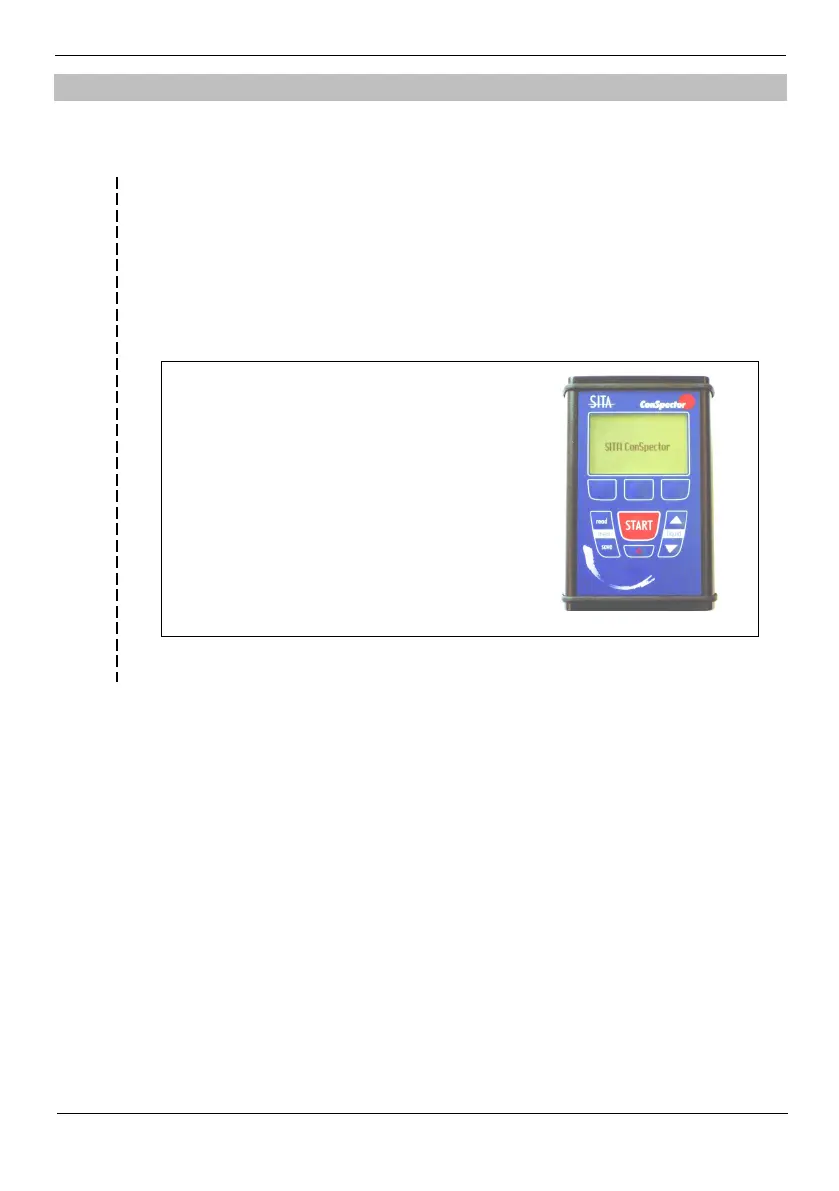
1. Select User Level menu
2. Navigate to the user level Admin and
press software key OK.
3. Enter password 1317 successively
(see figure).
Up until the next change of user level the
devices remains on the Admin user level.
Remove this information from the operating instructions, if you opt for
a solely administrated operation of the device and keep this sheet at a
safe place.
This information was removed, if applicable...
(see section 4.6 “Setting Optional Functions”)


 To Next Page