SITA Messtechnik GmbH - Operating Instructions SITA ConSpector
12 Windows software SITA-ProcessLog
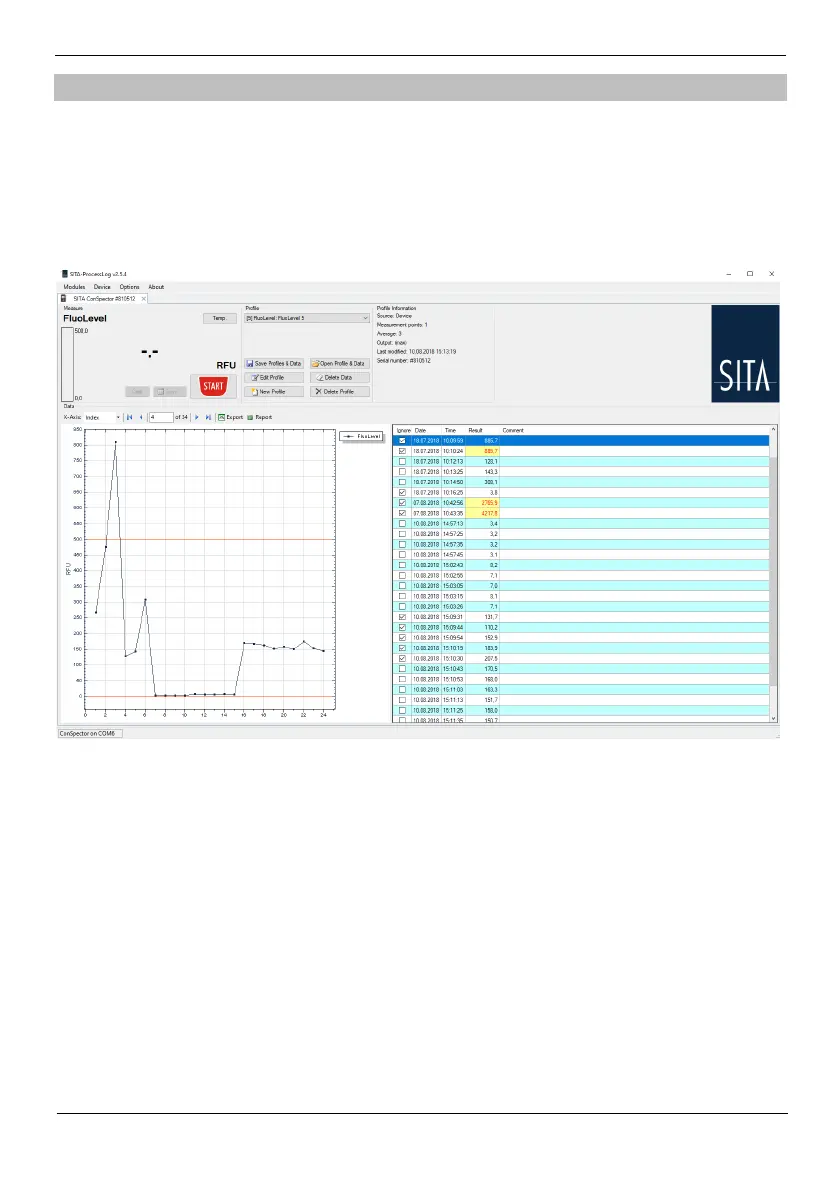
The optionally available Windows software SITA-ProcessLog is used to manage all functions and
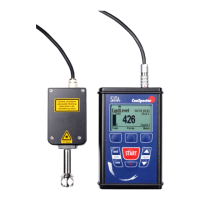
data of the mobile SITA devices for process control (SITA ConSpector, SITA CleanoS-pector, SITA
DynoTester+). With the help of this software you carry out measurements, readout measuring data
and save the information on your computer for further use.
The SITA-ProcessLog provides full functionality of the SITA ConSpector in a very comfortable and
clear user interface.
To install the Windows software SITA-ProcessLog on your computer, please use the delivered USB
flash drive. To do so, start the file Setup_SITA-ProcessLog.exe. Afterwards, follow the instructions
on your monitor screen.
Because the USB has, for the most part, replaced the classic COM-interface, the various SITA
devices communicate via virtual COM-interfaces. When installing the SITA-ProcessLog the inter-
face driver is installed. If your operating system is older than Windows 10, it could be necessary to
install the correct driver manually. Current drivers and help can be found on the site
http://www.ftdichip.com/Drivers/.
For the manual installation, first run the CDM*****.exe from the directory „USB interface driver“
on the delivered USB. After that follows the actual installation. This step is necessary before you
connect the device with your computer.


 To Next Page