Use and Operation
6-1
Chapter 6
Use and Operation
6.1 Operation
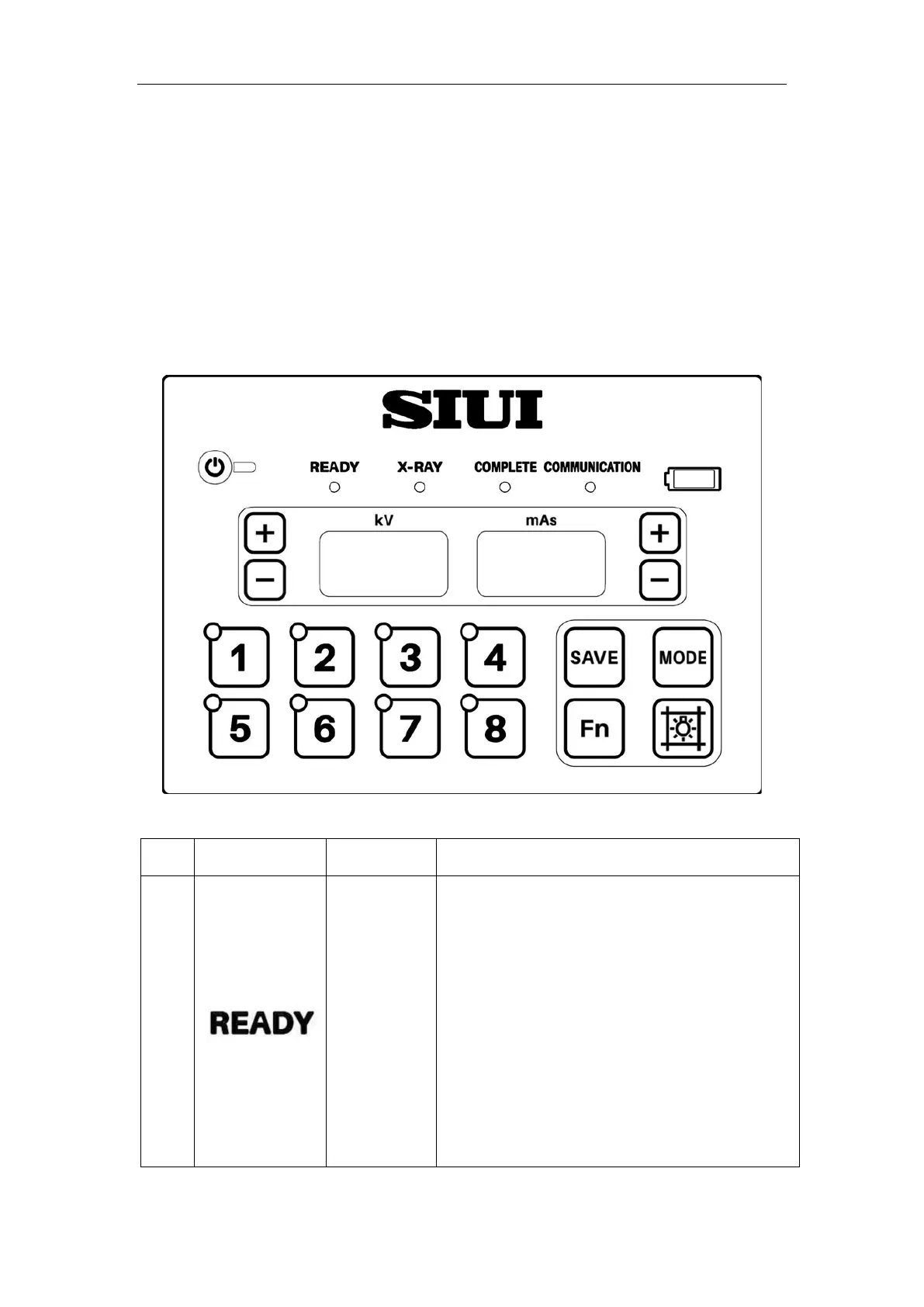
6.1.1 Operation Buttons and Functions
Fig. 6-1 Control Panel
No. Control Part Type Functional Description
1
Indicator
Exposure Level 1 Ready Indicator
When using the exposure hand switch, long
press the hand switch Level 1, till the Exposure
Level 1 READY Indicator is on.
When using the remote control, press the "A"
key, the remote control indicator turns on and
the X-
ray machine makes a "Di" sound. Press
the "B" key within 3 seconds, the remote control



 To Next Page