Safety Protection Device and Troubleshooting
7-5
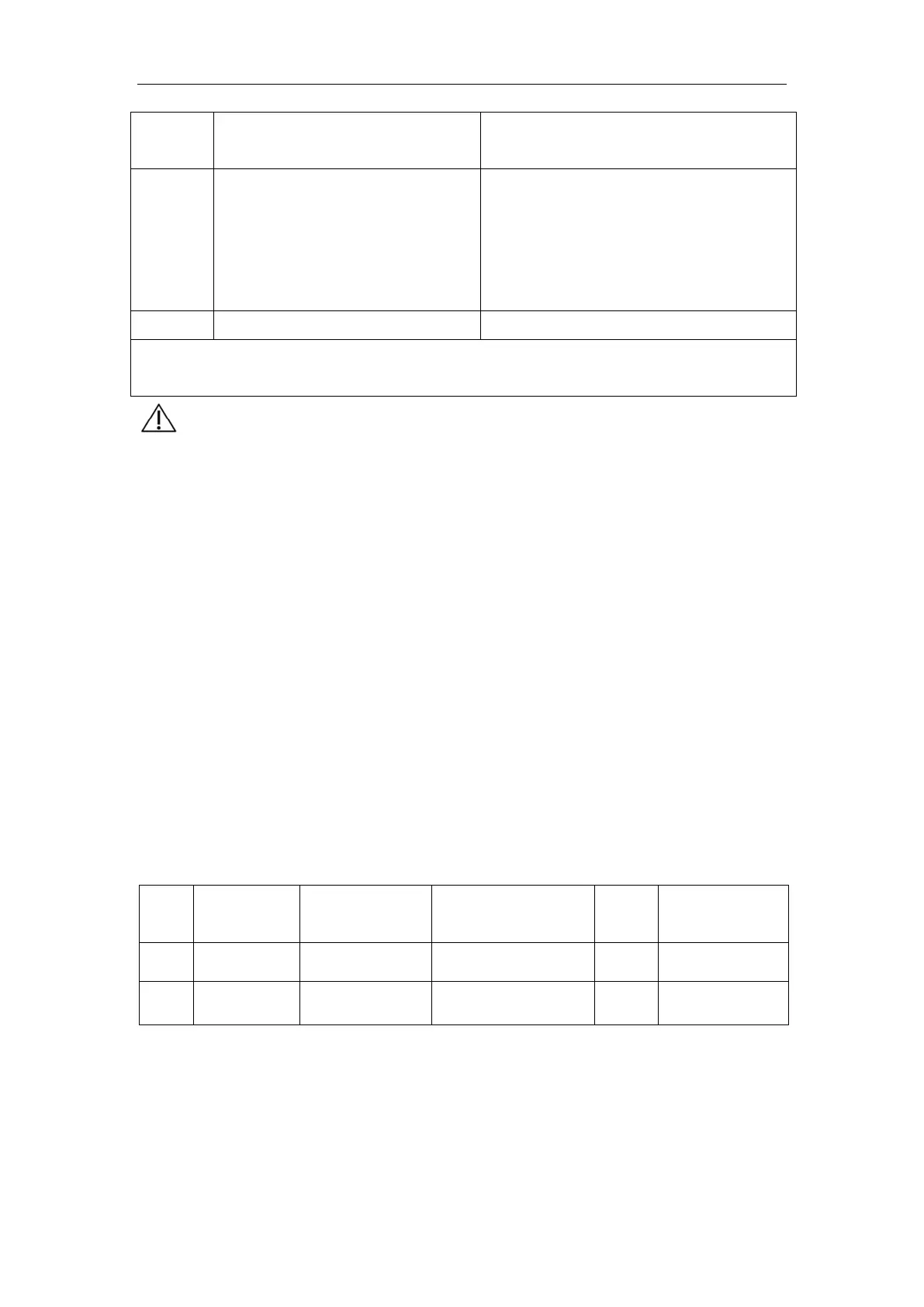
Code
Failure Description and Cause
Analysis
Troubleshooting
777
The USB disk was detected during
software update, but the data on
the USB disk fails to be read (e.g.
USB write protection or broken
USB disk)
Press Fn button to exit the update.
Press Fn to restart the update.
Remark: If the failure cannot be fixed by following the troubleshooting instruction
above, please contact the factory for service.
【Caution】
If the display on the control pane
l is in disorder, the display
parameters go beyond normal range, or any other unpredictable
abnormal situation occurs, DO NOT continue the operation. Cut off
the power supply of the main unit immediately. Restart the device
after 1 minute, and the device may return to normal usually. If the
display disorder still exists, contact the factory for service.
Note: The error code list and the failure description may be
longer or shorter due to software update. For specific error
codes and the failure description
, see the software version
description. The error codes and the failure description are
updated without notice.
7.5 Replaceable components list
Table 7-2 Replaceable part List
No. Part code Part
model
QTY Manufacturer
1 F1 Fuse 50T-032H 1 HOLLY
2 F2 Blade fuse 257040 4 LittleFuse
7.5.1 Instruction for component replacement:
Replacement of fuse: Remove the upper enclosure of the portable X-ray machine, and
insert the fuse that complies with the model and parameter requirements in the part list
above into the corresponding position.



 To Next Page