Use and Operation
6-14
6.4 How to Use Collimator
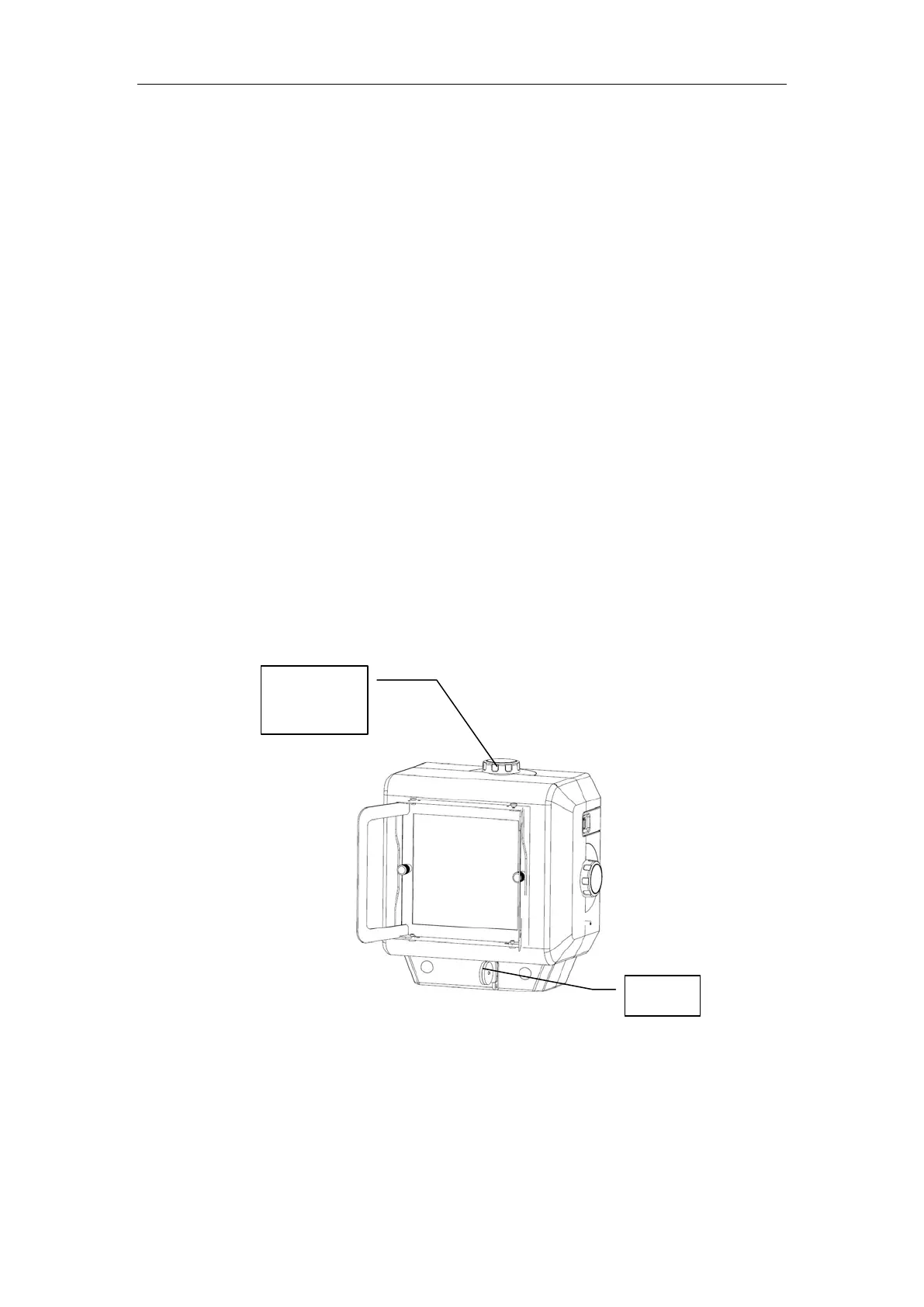
Fig. 6-6 Collimator
As shown in Fig. 6-6, the collimator is for deciding and limiting the range of ray radiation.
a) Press the console collimator light button or press hand switch Level 1 to turn on
the collimator radiation field indicator. Turn the knob for window adjustment on
the collimator to enable the light field slightly bigger than the portion to be imaged.
the back of the portable X-ray machine is OFF.
d) To protect the X-ray machine, the intel
ligent temperature
control system will have certain control during exposure. If
continuous exposure is performed when mAs≥30, the time
interval after each exposure will increase. Now stop the
exposure operation and have a break for a few minutes; or
perfor
m one exposure with mAs<30 during continuous
exposure, and the waiting time after exposure can be
decreased.
e) To protect the X-
ray machine, the intelligent temperature
control system will have certain control during exposure. If the
remaining battery power is one block only, the usable range of
mAs will be decreased.
Window
adjustment
Ruler



 To Next Page