Use and Operation
6-18
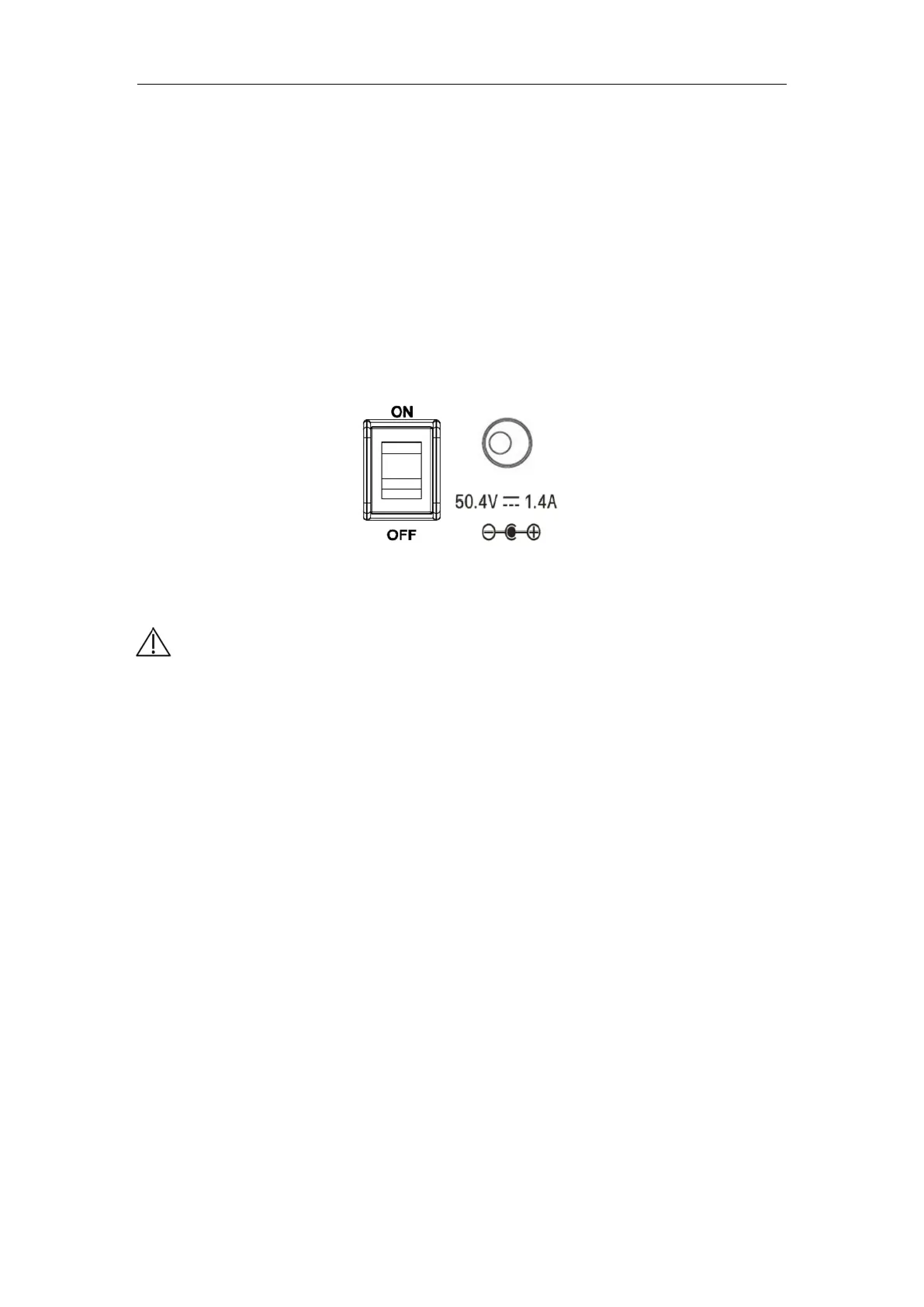
a) As shown in Fig. 6-10, make sure the power switch is toggled to "OFF" state,
otherwise the battery cannot be charged even if the charger is connected.
b) Insert the output terminal of the charger into the battery in port at the device back,
and connect the charger to the mains. Now the charger indicator is orange or
yellow. When the battery is fully charged, the charger indicator turns green.
c) The battery can also be removed and directly inserted into the socket of the
portable X-ray machine battery for charging.
Fig. 6-10
6.6.4 Precautions for using the lithium-ion battery
recharge.
【Caution】
Regarding the use of the lithium-ion battery in the device, please note
the following:
a) Do not disassemble, open, shred or puncture the battery with
metal.
b) Do not expose the lithium-ion battery to heat or flame. Do not
throw the lithium-ion battery into a fire. Avoid storing it in direct
sunlight.
c)
When storing or handing the battery, avoid contact with metal.
The excessive static electricity in metal may damage the
battery or cause a fire.
d) The lithium-ion battery shall be charged and discharged under
the temperature of 10℃~35℃ to obtain the best use effect
and service life.
e) Do not burn or beat the battery, otherwise it may result in the
risk of explosion or fire.
f)
Please dispose of the battery in accordance with applicable



 To Next Page