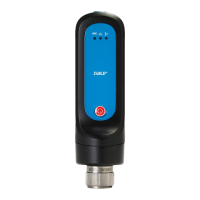
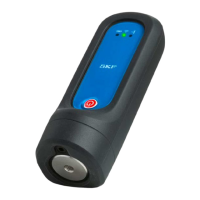
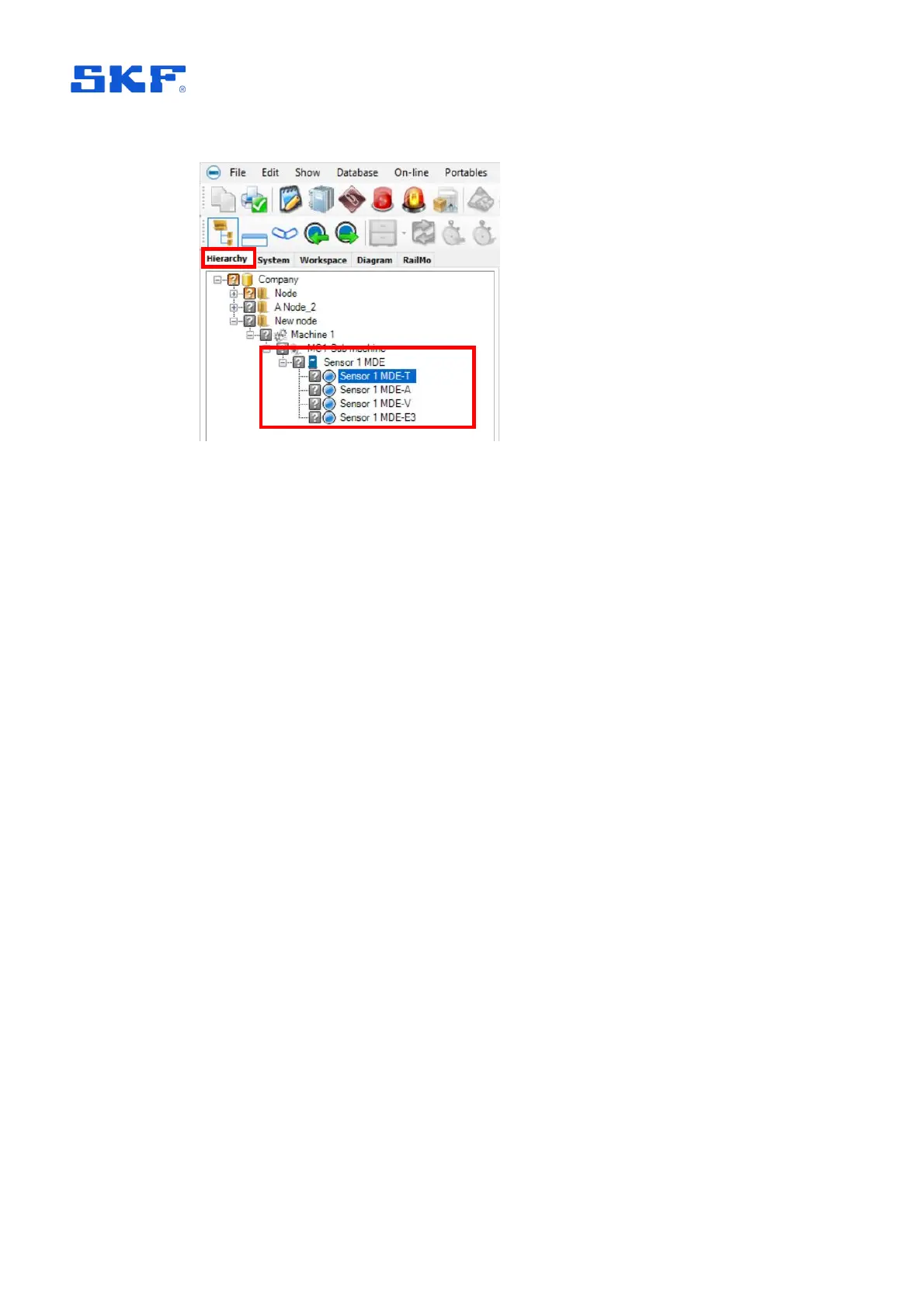
Figure 9 Hierarchy: IMx-1 sensor example
As shown above, the automatic measurement point naming takes the user chosen
sensor name, adds a dash/hyphen and then 1 or 2 characters to identify the
measurement type. Measurement naming is automatically updated if the sensor
name is subsequently changed.
Most @ptitude Observer hierarchical status indications, like Not measured, are
supported or applicable to an IMx-1 sensor and measurements except the following:
Not active, Outside measurement range, Transient, Outside active range and
Outside active range unstable.
In addition the Cable fault icon is, for the IMx-1, used to indicate Sensor fault. For
further information on the priority of IMx-1 status indications in an @ptitude Observer
hierarchy, refer to the SKF @ptitude Observer user manual or help file.
Notes on hierarchy operations:
• IMx-1 sensor nodes can only be added to a sub-machine.
• Neither IMx-1 measurements nor IMx-1 sensor nodes can be copied by using
the ‘standard’ copy mechanisms, but they are included when using the
Machine Copy Wizard.
o The assigned gateway will not be copied, during the copy process the
user will be asked to select a gateway or ‘None’, for this copied
machine.
• Users can drag and drop an IMx-1 sensor node but only within the asset and
on the same hierarchy level.
• Users can only drag and drop an IMx-1 measurement point within its sensor
node.
To open up the properties of an existing sensor node, right click and select
Properties or double click.



 To Next Page
 Loading...