35
Skydio X10 - Operator Manual © 2023 Skydio, Inc. All rights reserved.
Updating the Skydio X10 Controller
Preflight
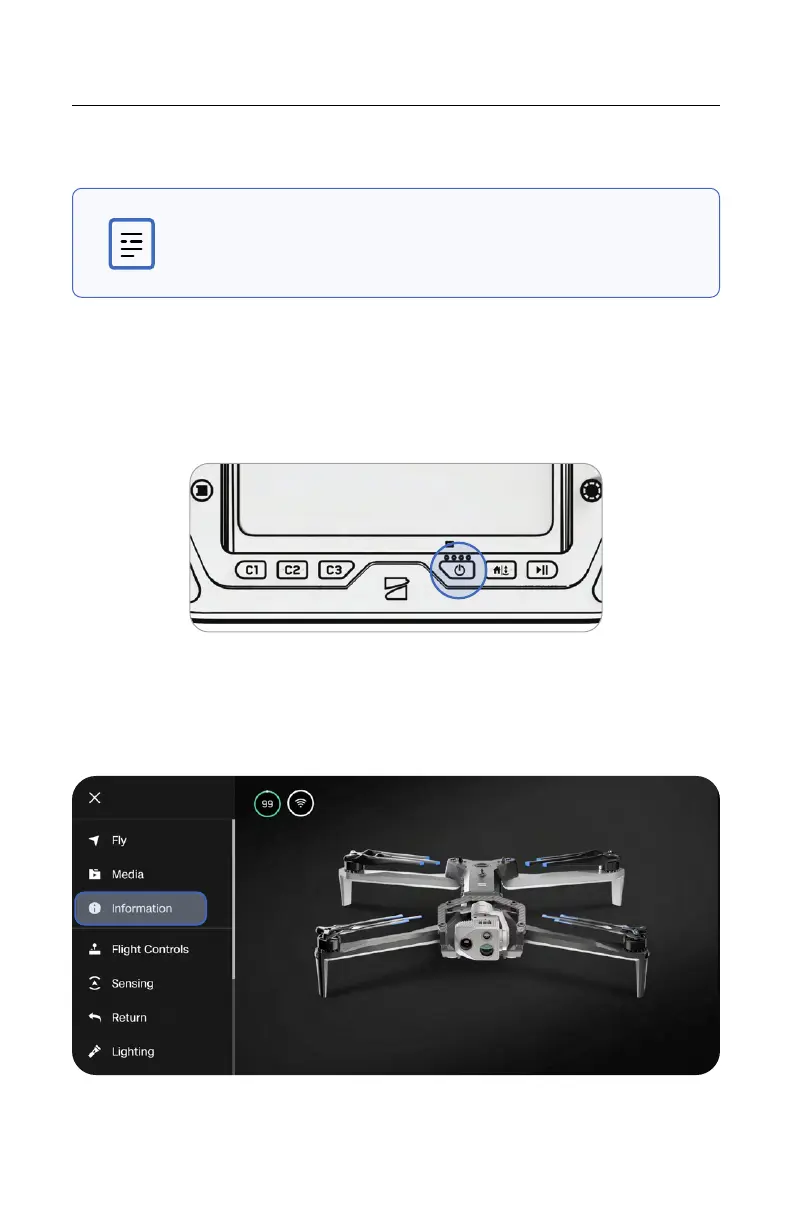
Step 1 - Power on the Skydio X10 Controller
Open the controller lid and hold the Power button for five seconds. The lights on the
front of the controller will turn on and indicate the level of charge.
Step 2 - Navigate to the Information menu
Located within Global Settings.
NOTE: You must update the Skydio X10 Controller first before
updating Skydio X10.



 To Next Page