43
Skydio X10 - Operator Manual © 2023 Skydio, Inc. All rights reserved.
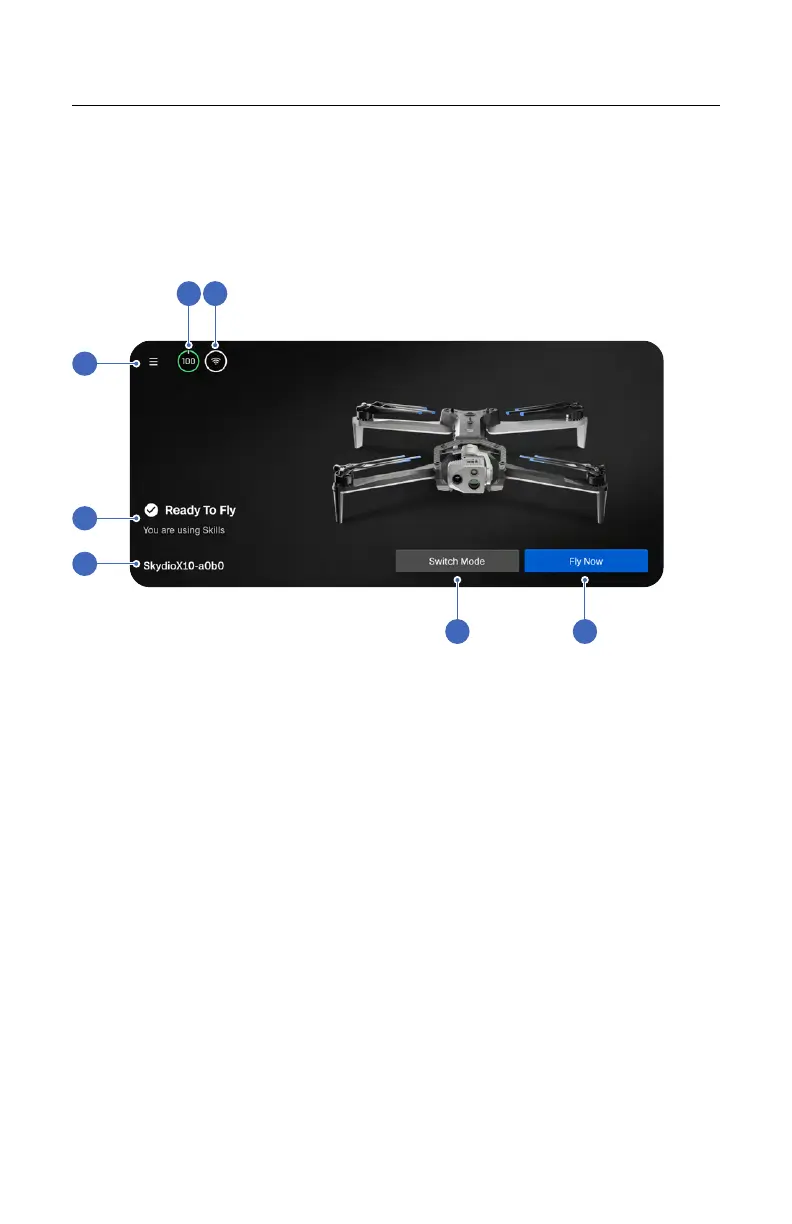
1. Global Settings
2. Flight Status
3. Drone Name
4. Drone Battery
5. Signal Strength
6. Flight Mode Selector
7. Fly Now (opens Flight Screen)
Navigating Skydio Flight Deck
Gate Screen
3
1
2
4 5
6 7
Aer powering on and connecting to your drone, the first screen you will see is the
Gate Screen. This screen is the first step to starting your flight, switching modes, or
configuring preflight settings.



 To Next Page