15
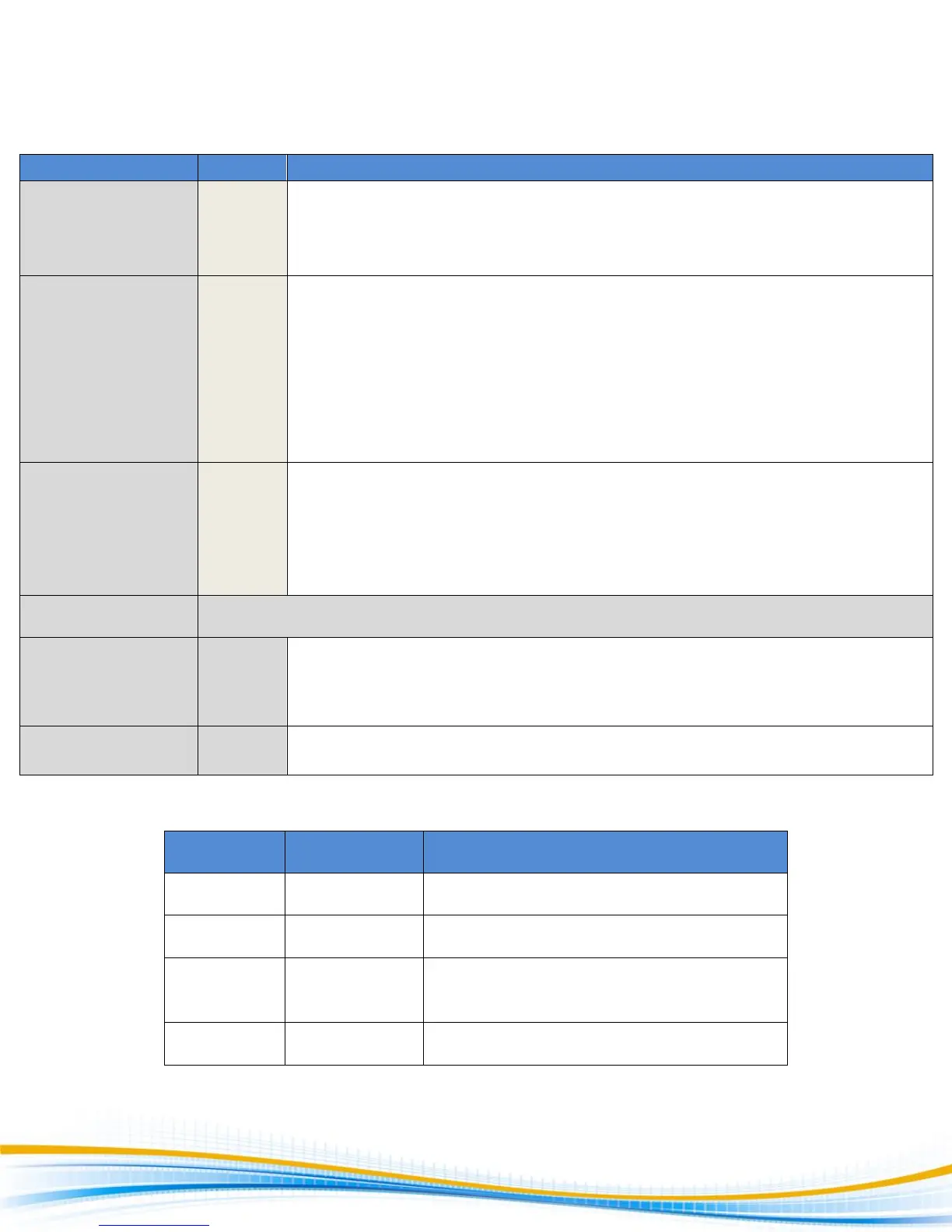
System Parameter Descriptions
Allows the user to initiate a test through the REMOTE INPUT on the rear panel of
the tester. If PLC Remote = ON the front panel TEST button is disabled and a test
may only be started through the rear panel I/O. If PLC Remote = OFF, the test must
be initiated via the front panel TEST button.
Temporarily overrides the automatic connection feature. If Single Step = ON the
tester will pause after each step is completed, even if step Connect function is set
to ON. To continue the test sequence, press the TEST button to execute the next
connected step. Each time the TEST button is pressed the next connected step will
execute. If you press the RESET button before completing all connected steps, it
will return the tester to the original starting step. If a step fails and you wish to
continue to the next step, do not press the RESET button but press the TEST
button.
If Fail Stop = ON, a sequence of tests will stop if a failure occurs. If Fail Stop = OFF,
the sequence of tests will continue to the end of the sequence regardless of
whether or not a failure has occurred. If a failure has occurred, the red RESET
button will light and alarm will sound indicating failure during the sequence.
Pressing the RESET button will silence the alarm and reset the tester.
4000 Series Security Feature
There are two different lockout selections. The first selection is Key Lock. Within
this selection, you can lockout all front panel control functions except TEST, RESET
and memory selections.
Memory Lock and is used in conjunction with the Key Lock. Lock must be ON for
Memory Lock to function.
Use the following chart to set the Key Lock and Memory Lock for your application.
TEST, RESET, and SET/Up-Down arrows for
memory selection



 To Next Page