56
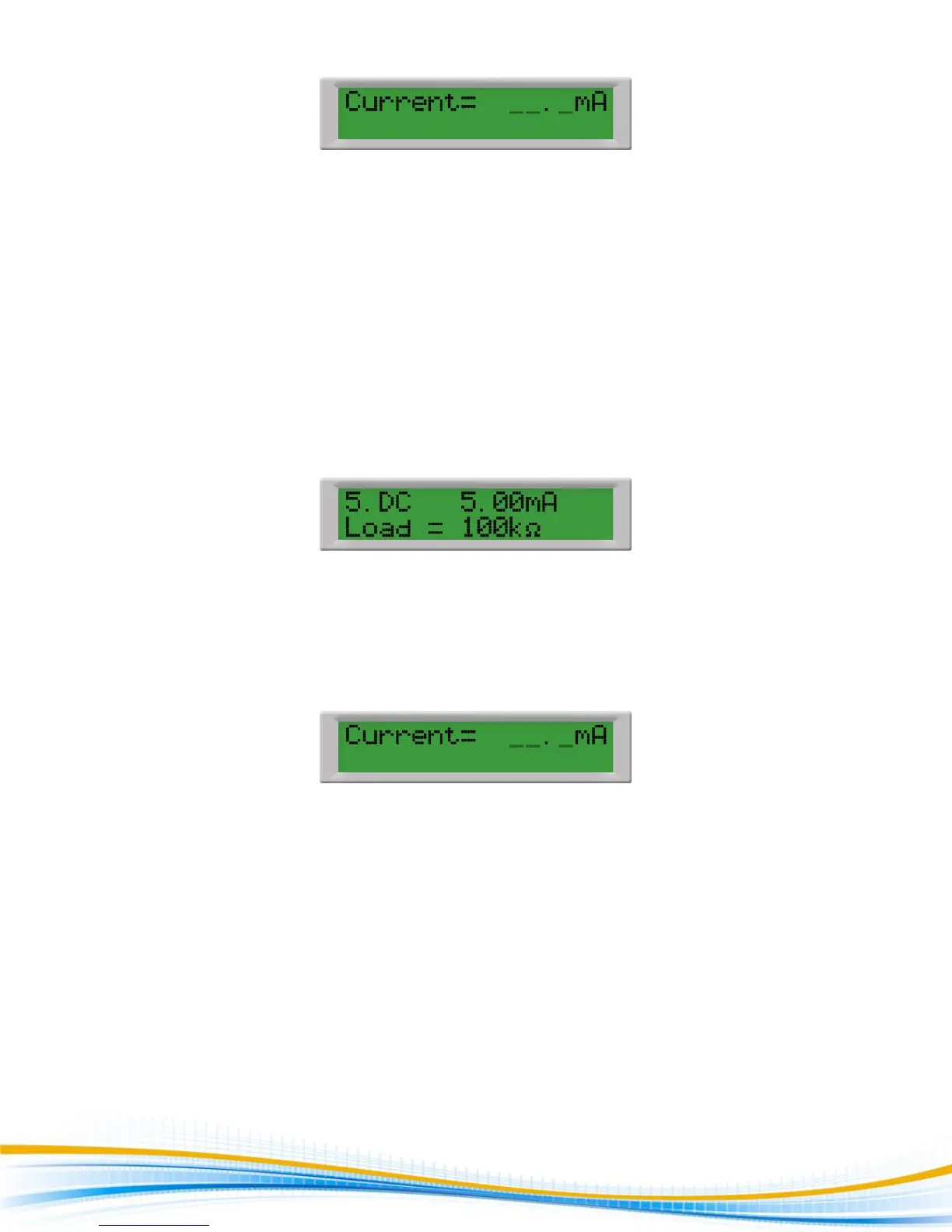
Press the Up () or Down () arrow keys to enter the reading of the standard AC Milliammeter into the tester.
Then press SET key to store the current setting and to advance to the next calibration point or press the RESET
button to return to the calibration menu without changing the calibration setting. Press the EXIT key to exit
from the calibration mode and to return to the test mode.
6. To calibrate DC Current
Please connect a 100 k resistor in series with the standard 5mA DC Milliammeter and connect these across
the HV and RETURN connectors of the tester.
Press the Up () or Down () arrow keys until the display shows:
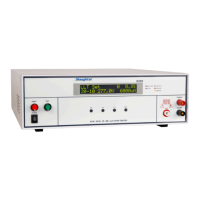
Then press the TEST button on the front panel. The tester will provide around 500VDC on the output
connectors and the display will show:
Press the Up () or Down () arrow keys to enter the reading of the standard DC Milliammeter into the tester.
Then press SET key to store the current setting and to advance to the next calibration point or press the RESET
button to return to the calibration menu without changing the calibration setting. Press the EXIT key to exit
from the calibration mode and to return to the test mode.


 To Next Page