Chapter 2 Get started
Install the App
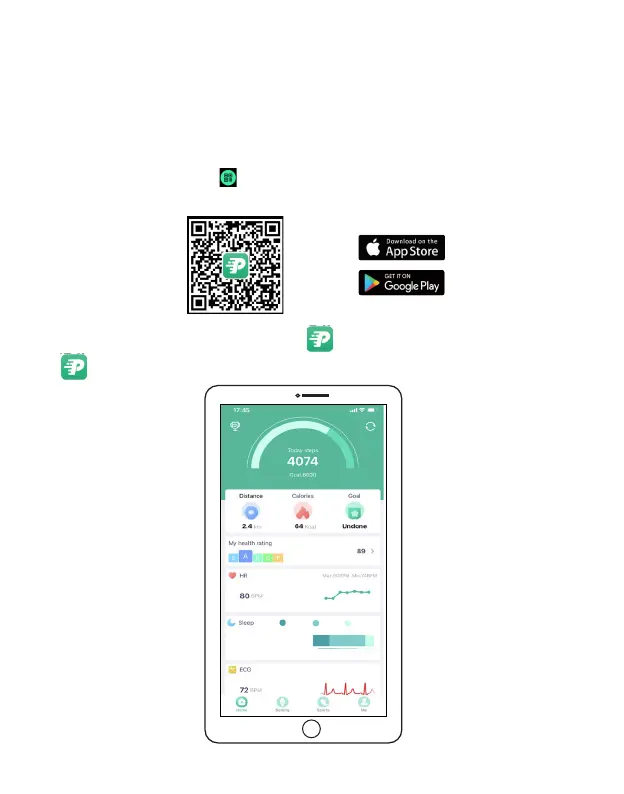
FitPro is an application specially designed for SW475, which allows users to access to more
features.
When installation is complete, the FitPro App will appear on your phone' home screen.
Tap to launch FitPro, as shown below.
To download FitPro on your phone, scan the QR code shown below by using your phone camera
and tapping the pop up link. Alternatively, you can search for "FitPro" in the Google Play Store
or Apple App Store, and follow the onscreen instructions to install the FitPro App.
Note: you can also tap the APP icon on the home screen or main menu of the watch to get the QR code.)
System requirement: Mobile device running iOS® 9 or higher, Android™ 5 or higher
EN 9
8h25m
Deep26%
Light67%
Awake7%



 To Next Page