Chapter 4 Apps
Bluetooth Music
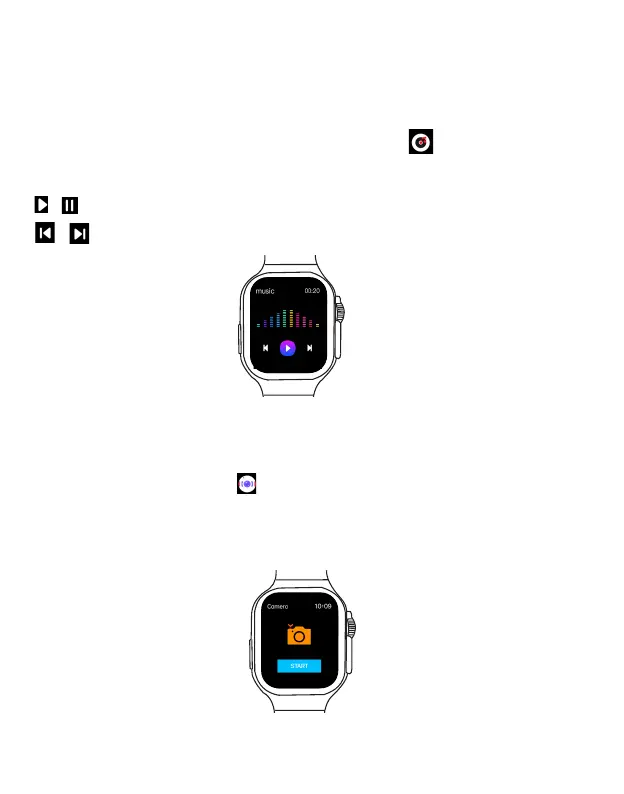
The BT Music app allows you to control and play your phone’s music through your watch.
1. Make sure the Smart Watch is paired with your phone and FitPro App. Open the music app of
your choice, and start playing the song or podcast you want to listen to.
2. On the Home screen or main menu, select the BT Music App to enter the music control
screen.
Tap to select the control icon to start music control.
/ : play or pause the music playback.
/ : skip to previous or next track.
Bluetooth Camera
The Camera app in the watch allows you to remotely take pictures through your phone’s camera.
1. Open the FitPro app in your phone.
2. Open the Camera Control app in the main menu and tap START to start taking photos
from your phone remotely. You can view the photos in your phone.
Note: To use Bluetooth camera, make sure the watch has been successfully paired with your
phone and FitPro app, and keep your phone in the FitPro app screen, then tap START to take
photos.
EN 21 EN 22



 To Next Page