Siri Voice control
Open the Settings App, and select Siri to enable Siri voice control in your phone.
Date and Time Settings
Open the Settings App, and select Set Date and Set Time to manually set the date and time.
Resetting your Smart Watch
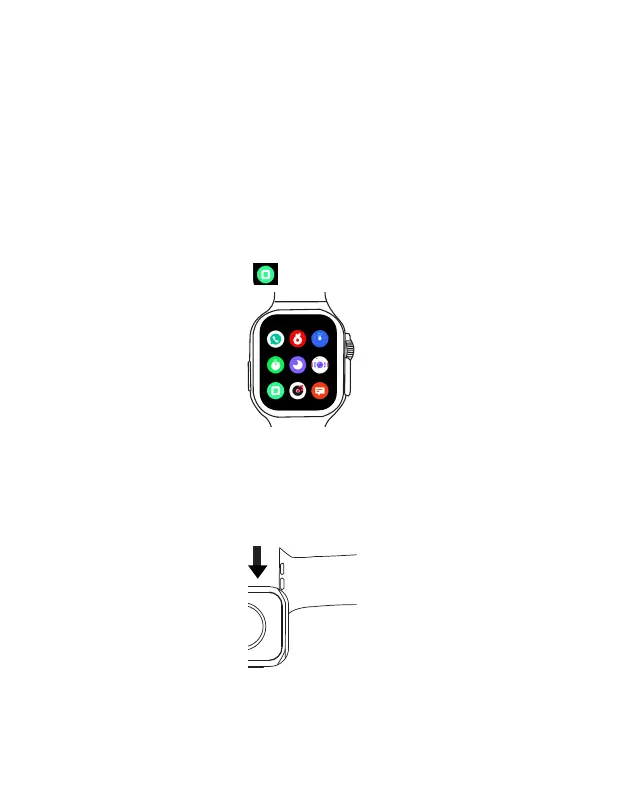
On the main menu, select Reset App . This will restore your Smart Watch to its factory set-
tings.
Set the time to back to watch face
Open the Settings App, and select Back to dial to set the time internal to back to the watch face
screen .
Replacing the strap
Pull and slide the strap outwards to remove your current strap.
As seen in the figure below, insert your new strap into the strap slot, then push and slide it
inwards to attach it.
EN 25



 To Next Page