Chapter 5 Settings and adjustment
Reminder settings
1. Sedentary reminder settings
The Smart Watch's Sedentary reminders track your daily sedentary time, prompting you to do
exercise and stay healthy.
Start tracking your Sedentary time
Step 1. Make sure your Smart Watch is connected to your phone and FitPro. Open the FitPro app
on your phone, and tap Settings > Sedentary reminder to enter the settings.
Step 2. Tap to turn sedentary reminders on, set your sedentary Starting time and Endig time.
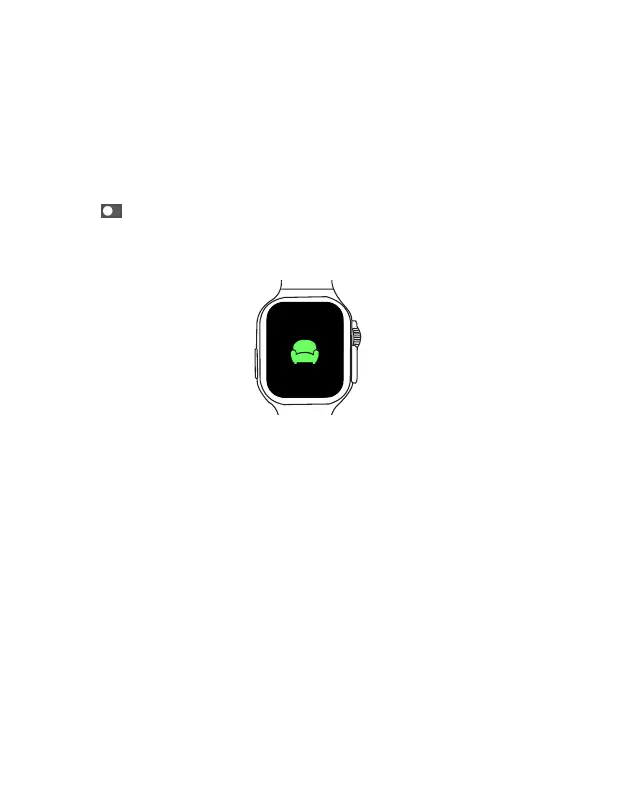
Once enabled, the system will remind you once every hour during the specified time, your Smart
Watch will display the sedentary icon and vibrate.
EN 24
Changing watch face on the Smart Watch
You can change watch face on the Smart Watch with either of these methods:
Method 1: Turn the Adusting knob on the Smart Watch face screen to navigate through the watch
face pictures, select your desired picture to change the watch face for the Smart Watch.
Method 2. Open the FitPro app, tap Settings Tab > Dial settings to enter the watch face
selection screen. Then select your desired picture and tap Install to change the watch face for
the Smart Watch
.
Device information
Open the Settings App, and select About to enter the About screen. Here you can view your
Smart Watch's hardware, software version and MAC address. The Device Name is your Smart
Watch's Bluetooth name. The 12 alphanumeric characters next to MAC: is your Smart Watch's
MAC address.



 To Next Page