Sports monitoring
The sensor in the Smart Watch can monitor your sports usage, such as Running, Bike riding,
Strength Training, Basketball, Tennis and so on. It will record your results, including sports time,
calories burned etc..
Start sports monitoring
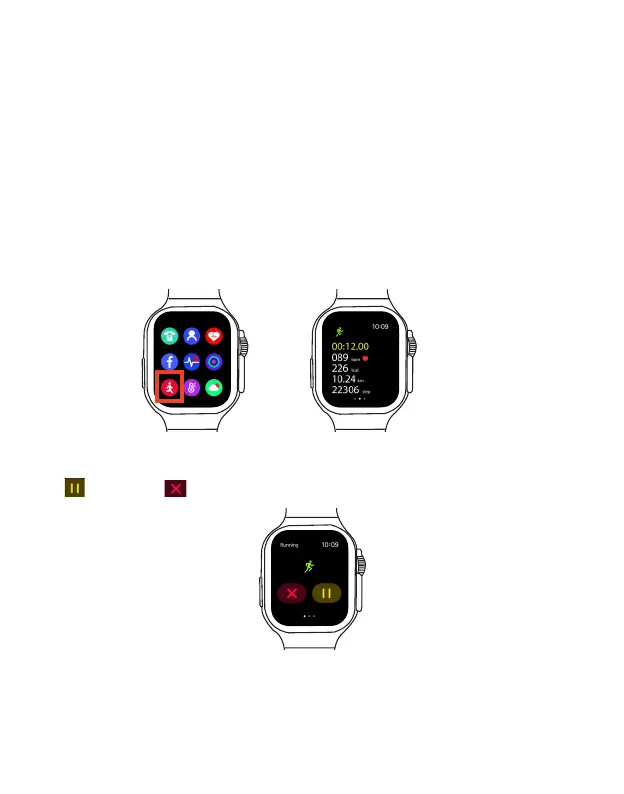
1. To use sports mode, open the Sports App in the main menu to enter the sports selection menu.
Tip: By default, the Shortcut button on the left of the smart watch is for the Sports App, you can
press the Shortcut button to quickly open the Sports app.
2. Swipe up/down and tap to select your desired sports mode.
Your Smart Watch will display elapsed time, calories burned and heart rate in real time.
To pause sports monitoring, swipe right on the screen until a "pause" check box appears, tap the
icon , tap the icon .
EN 20



 To Next Page