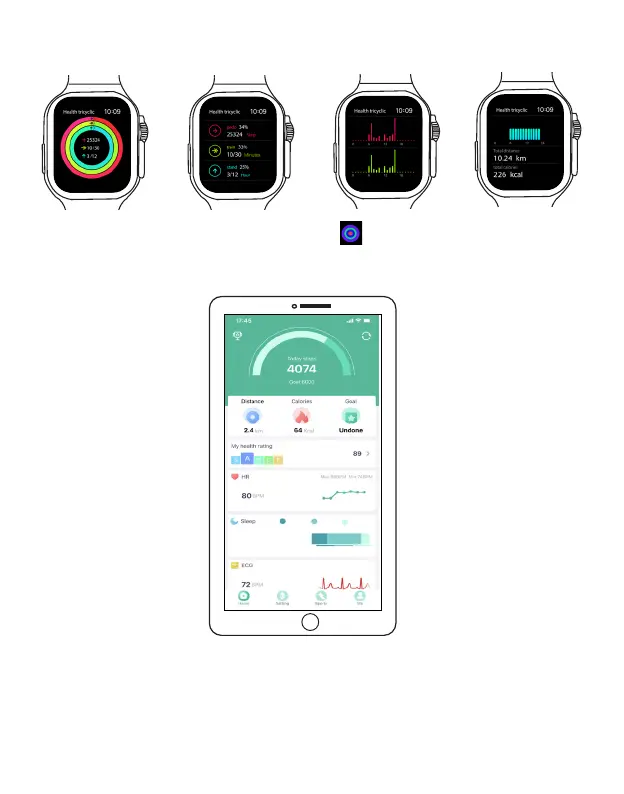
Tap on the menu to view step tracking details. Swipe up on the screen to view more step data.
Method 2. On the Main Menu, tap the Pedometer icon to enter step tracking .
Method 3. Open the FitPro app, the step data will be shown on the top of the app Home screen.
Review your pedometer history: You can also view your pedometer data through the FitPro app
on your phone: On the home screen, tap on the top "Today Steps" .
EN 16
8h25m
Deep26%
Light67%
Awake7%



 To Next Page