25
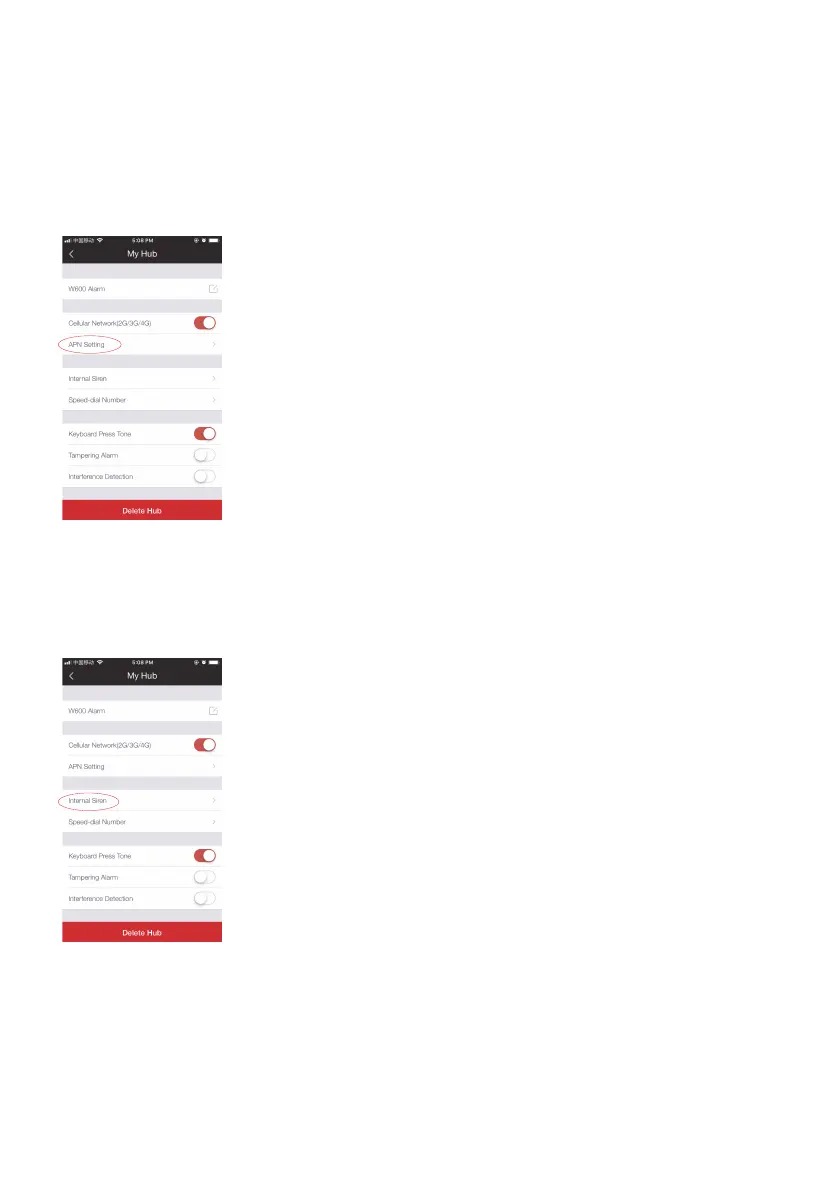
(3) APN Settings
Input related APN, username, password and tap “OK” to save, the cellular icon on the
hub will stop ashing after the connection is successful, and then you can operate the
app via cellular.
Note: The APN setting varies from country to country. Please consult the local provider on how to set the
APN correctly.
(4) Internal Siren
This setting enables you to adjust the volume level, alarm duration, and arm/disarm
beep of the built-in siren in your hub.



 To Next Page