17
App Operation
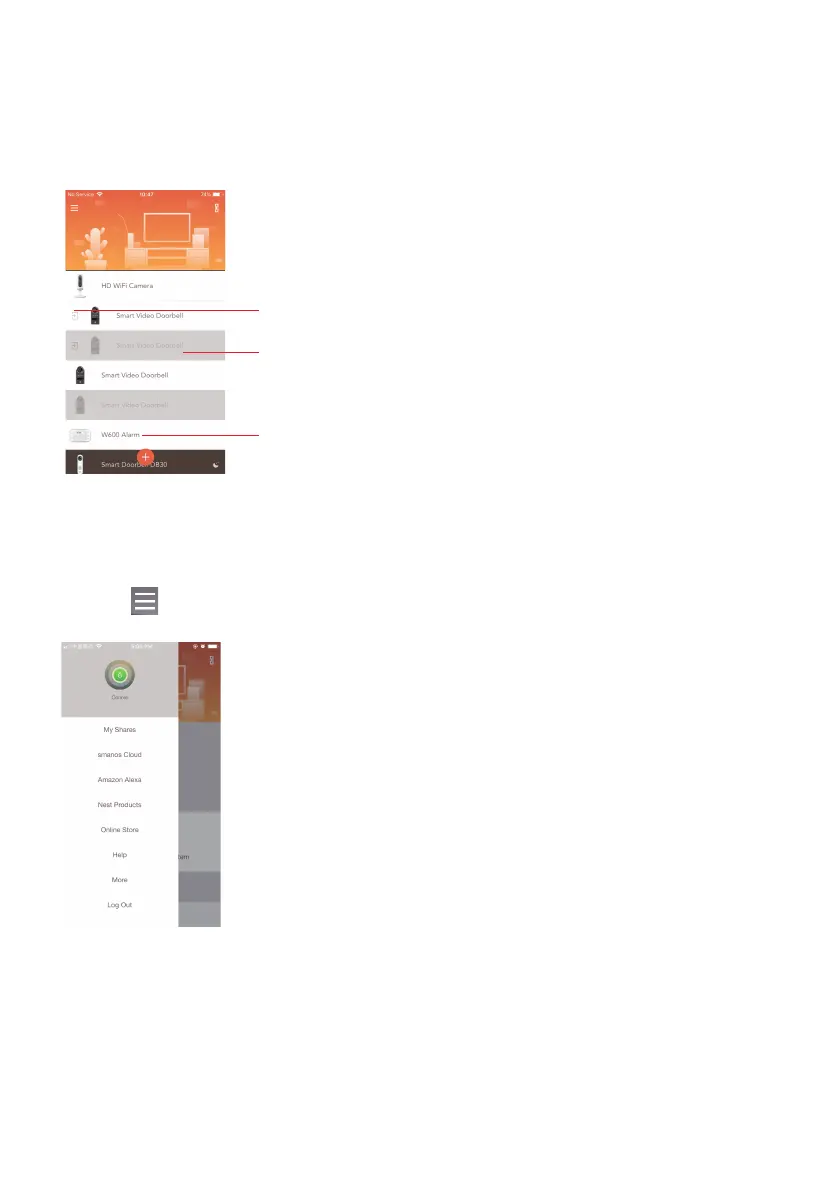
Device List
Check device status after set up.
If icon appears on the left of your device, it means the
device is shared from your family or friends to you.
If the device is grayed out, it means the device is OFFLINE
and cannot be accessed.
When the status bar is white, it means the device is ONLINE
and available.
Account Management
Tap on [ ] on the main page to access the account management.



 To Next Page