24
App Settings
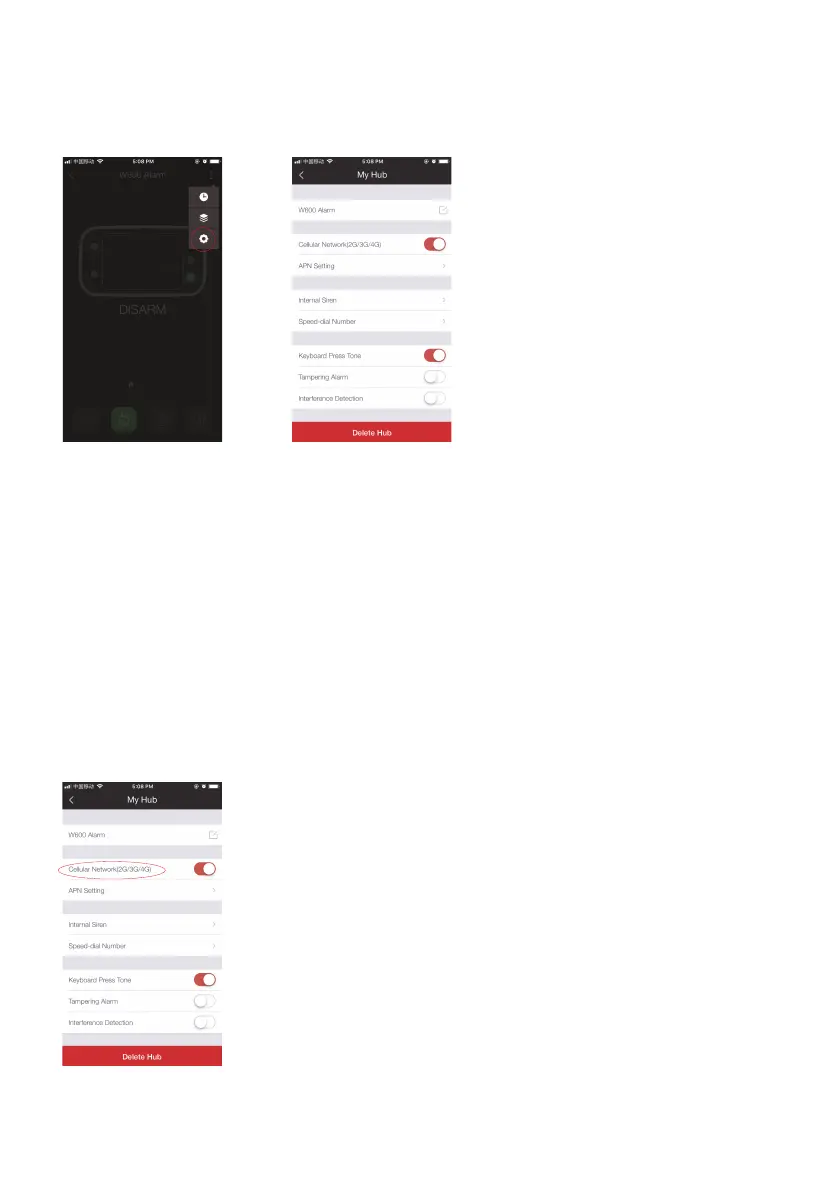
My Hub
(1) Device Name
This setting enables you to rename your W600 alarm system, and the new name will
be shown on the device list.
(2) Cellular Network
This setting enables you to control your system through cellular data if a SIM card has
been inserted:
Turn the power switch OFF and then insert your own SIM card → Turn the power
switch ON → When the cellular indicator icon shows steadily, this means your system is
connected with the cellular network. If it ashes slowly, means your SIM card is required
to set an APN to enable the cellular function.



 To Next Page