33
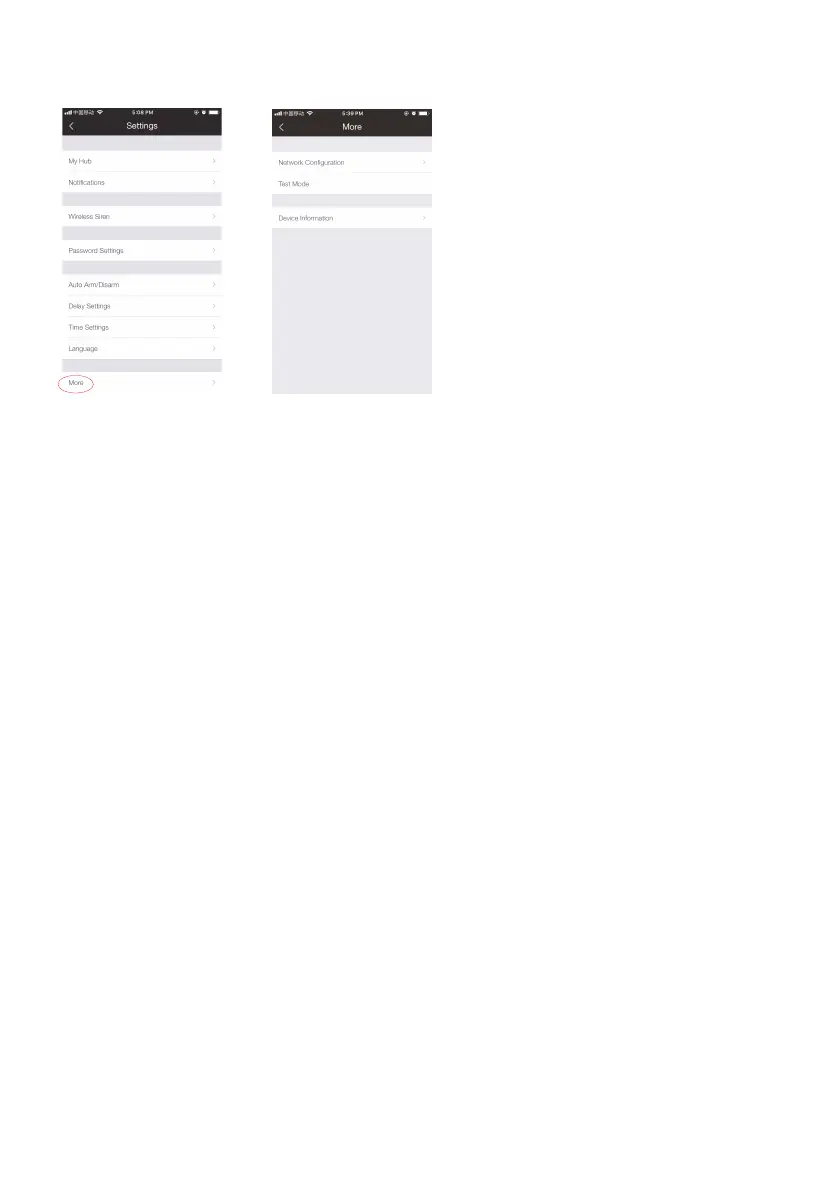
More
(1) Network Conguration
With network conguration, you can check current network your hub is connecting and
modify your WiFi when there’s stronger one without rebuilding a WiFi connection, so
the hub will work more smoothly.
Or you can choose reconguration directly to reconnect your hub and WiFi network.
(2) Test Mode
With test mode, you can check the range between accessories and your hub without
triggering any alarm, and prevent tamper switch alarm triggered while installing the
accessories or replacing batteries.
Once a trigger is detected during this process, the name of the triggered sensor will be
displayed.
(3) About Device
You can check WiFi signal strength, cellular network strength, hardware version of the
hub, and update the hub’s rmware in this page.
Update steps: tap on [Firmware Update], and you will see the hub LCD screen shows “UP
--” which indicates the update has started.



 To Next Page