4
Connect the Smart Hub with App
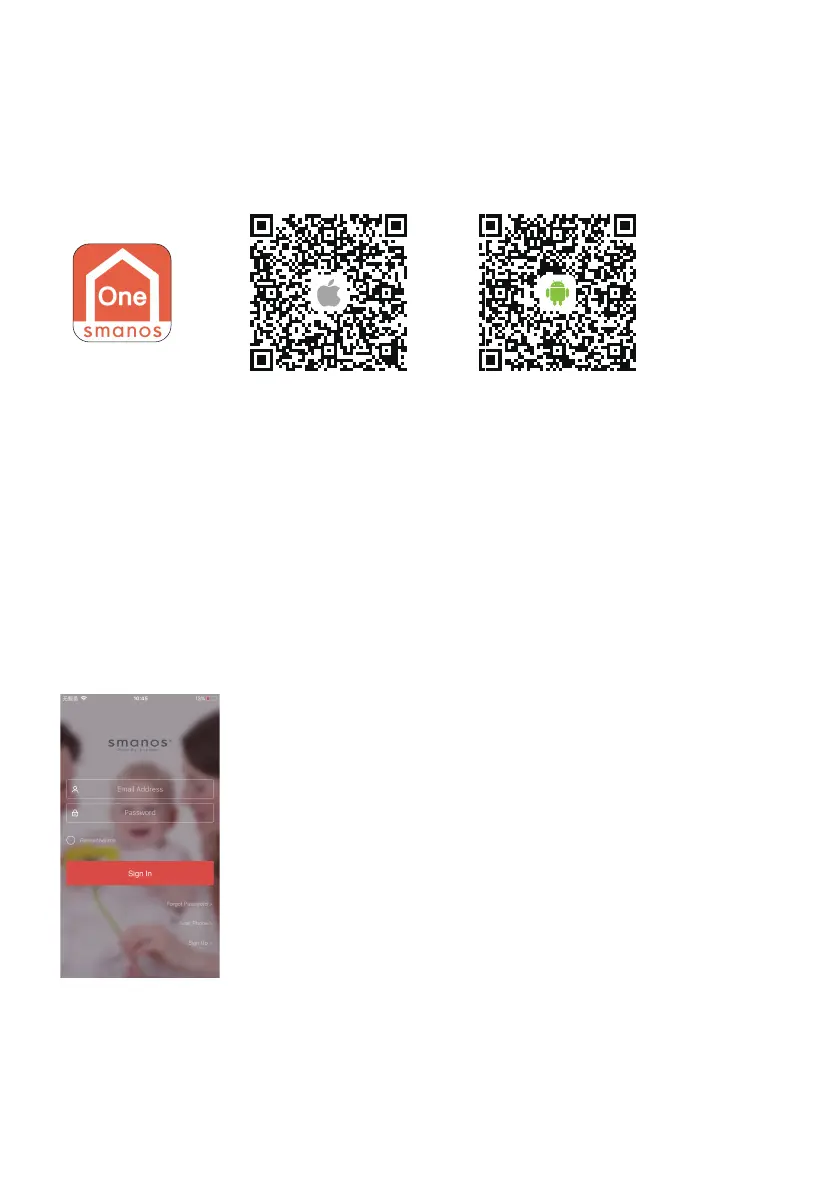
1. Download the “smanos One” App
You can nd “smanos One” in the App Store and Google Play Store or scan the QR
codes below.
Special Tips (For iPhone only)
After installing the app, which will request permission to receive notications from
“smanos One”. Not accepting to receive notications may result in an application
running failure.
2. Sign Up/In and Add the Hub to Your Account
If you have not registered an account with smanos, please tap the “Sign up” icon on
the app to create your account.
* If you do not receive an account verication code in your email during the registration process, please
remember to check your spam/junk folder to verify if it has been blocked by your service provider.



 To Next Page