34
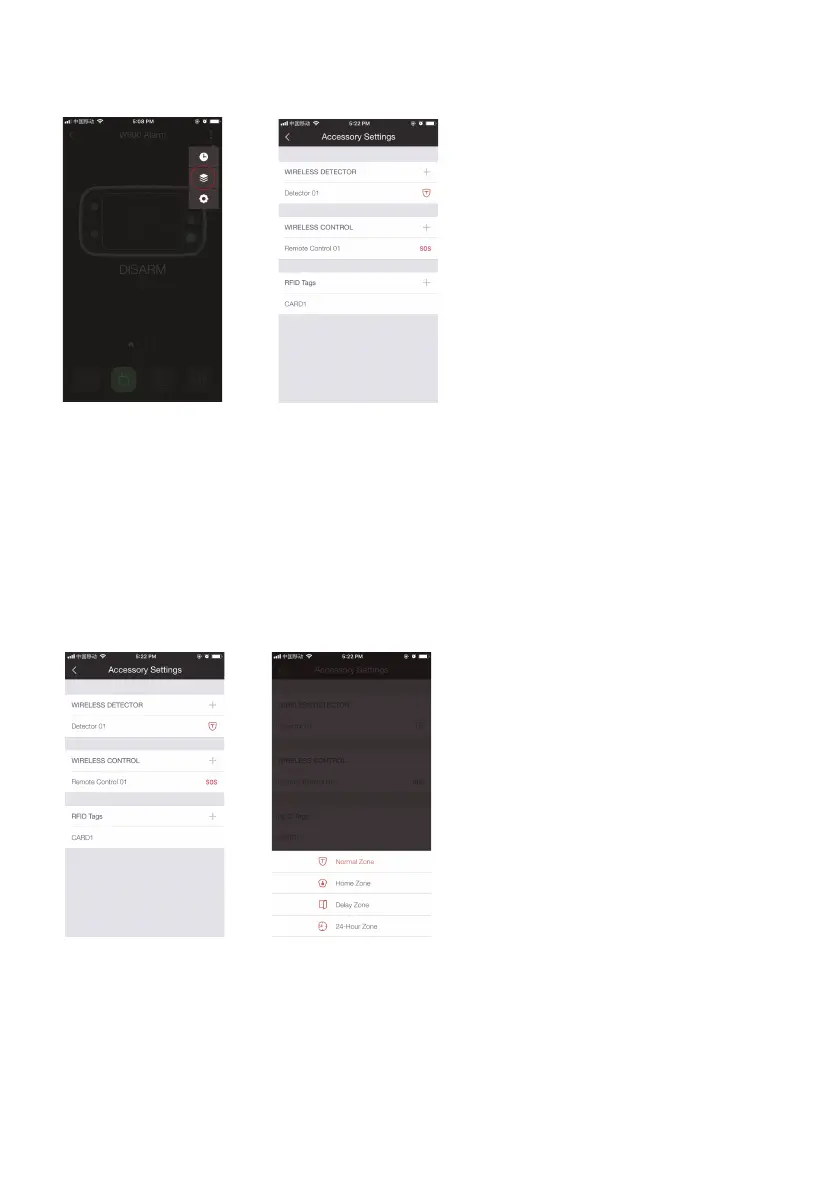
Accessory Settings
Add, rename and change the zone mode of each sensor in this setting page.
And if you want to delete the accessory, just press and slide the accessory to the left
and then delete it.
Zone Mode
Tap on the zone mode icon next to the name of the sensor.
Normal Zone
Sensors set to Normal Zone are armed when the system is in Arm Mode (Full Arm) or
Home Mode (Partial Arm). We recommend setting Window/Door Sensors to this zone
because they would always be installed to the perimeter of a house in practice, like
doors or windows.



 To Next Page