7
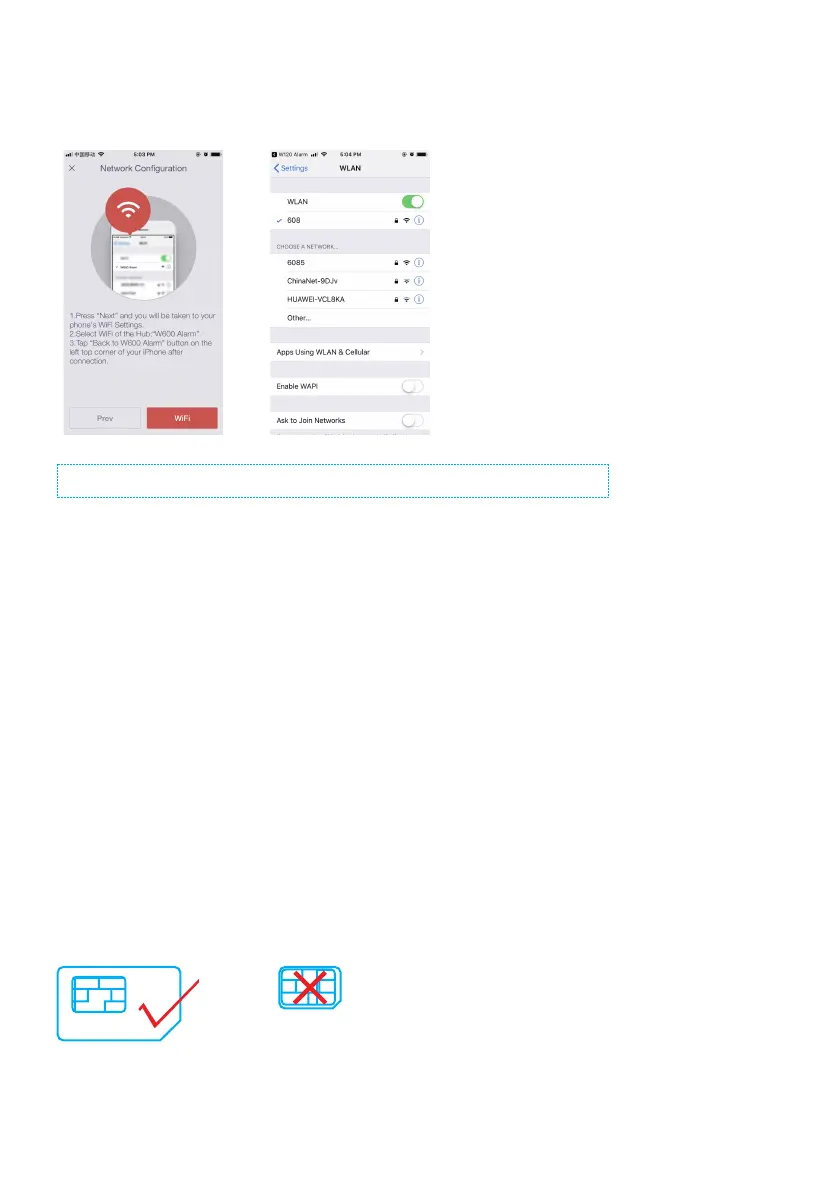
3. Press “Next” and you will be taken to your WiFi settings. Look for and select “W600
Alarm” hotspot to connect your mobile to the hub. When connected, return to your
app.
It is suggested to turn mobile data off from the phone during the conguration.
4. Select your 2.4GHz WiFi network from the list, and enter the WiFi network password.
The hub will connect to the selected WiFi network. This binding process should take
about one minute.
Important Notice: If you want the hub to be controlled remotely through WiFi network, the power should
be always connected to the hub. If the power adapter is unplugged, the WiFi will be disabled to conserve
battery power that enables the system to still communicate with the sensors for a longer period of time.
Cellular Connection (if a SIM card has been inserted)
In the case of a power outage and the cellular network in your neighborhood is still
working, the W600 will continue to protect your property and family for 4-5 hours on
standby.
1. Preparations before Use
-A regular-size 3G/4G SIM card is needed to be inserted into the hub’s SIM slot.
-Remove the (default) code permanently from the SIM card.
-Turn off the voice mail function if it is enabled.



 To Next Page