3 INSTALLATION AND OPERATION
NOTICE
When using positioners with M- or L-sensor on at least one channel of a specific
driver module all positioner types of this module must be set to a M- or L-sensor
type too to configure the correct sensor supply voltage. This rule applies even if
the other channels of the driver module are unused, respectively no positioners
are connected.
For getting started the MCS2 Demo GUI delivered with each MCS2 device may be used. The MCS2
Service Tool allows to easily configure and setup the MCS2 controller. For detailed information on
these programs please refer to the specific manuals.
To create your personal software SmarAct delivers flexible and well documented Windows® and
Linux libraries. For those who like to use LabVIEW™, we provide ready-to-use VIs based on the
Windows® DLL. Programming examples for C and LabVIEW™allow the developer a quick start into
the application programming with the MCS2.
For more information on the available software please refer to the MCS2 Software Installation
documentation.
3.2 Ethernet Interface Configuration
While devices with USB interface do not need any interface configuration, the ethernet interface
must be configured with the network parameters: DHCP mode, IP address, subnet mask and
gateway IP address. The MCS2 is delivered with a default IP configuration which may be adjusted
to match the users network settings.
The following table lists the default configuration:
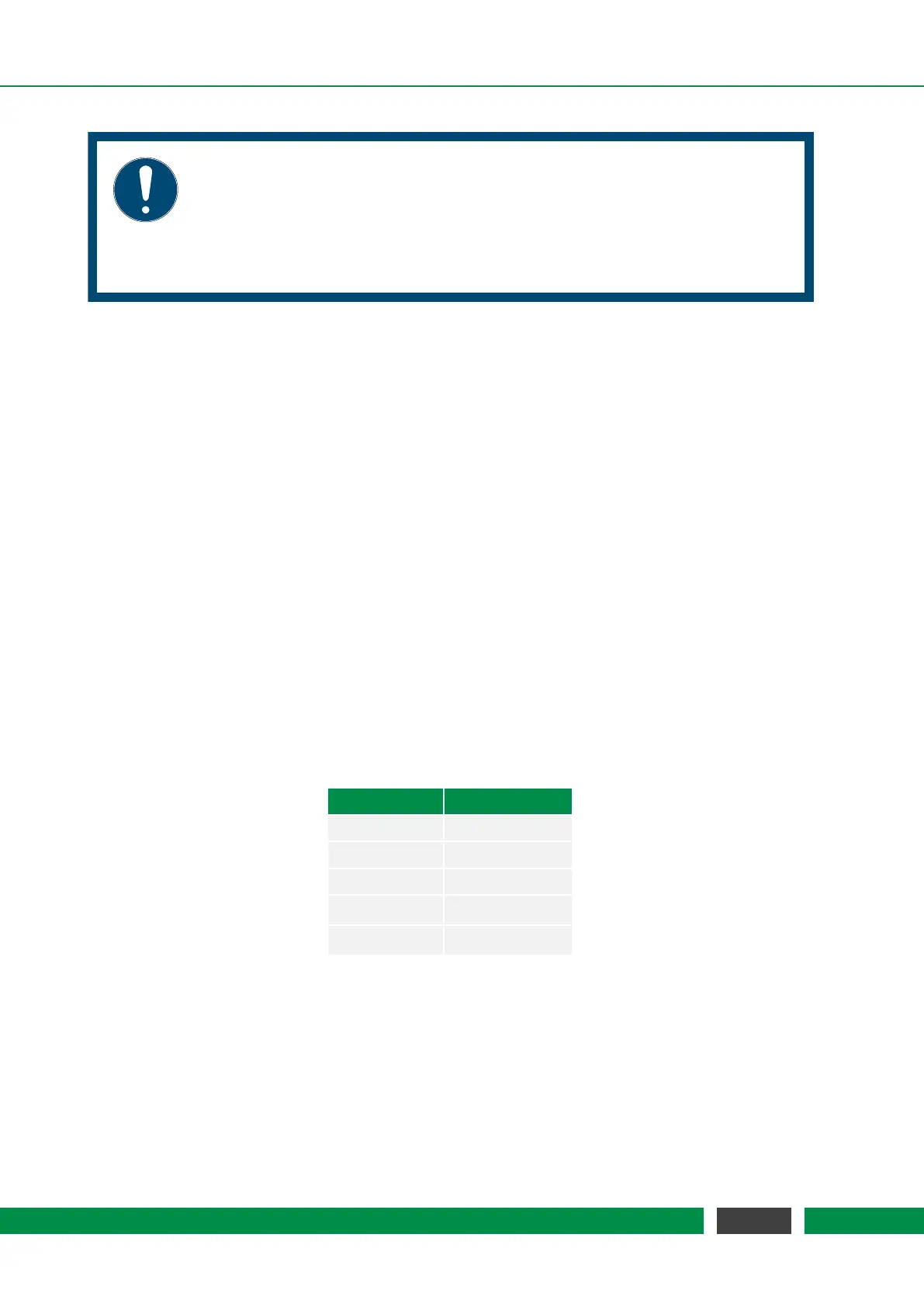
Parameter Default Value
DHCP Mode disabled
IP Address 192.168.1.200
Subnet Mask 255.255.0.0
Gateway IP 192.168.1.1
Pass-Key smaract
The MCS2 offers several ways to configure the network parameters. These are described in detail
in the following sections.
In general, the interface may be configured to use DHCP to obtain an IP address from a DHCP-
server or to use a static IP configuration.
18
MCS2 User Manual



 To Next Page