3 INSTALLATION AND OPERATION
3.2.1 Integrated Web Server
The built-in web server is accessible with any internet browser (e.g. Firefox® ). Obviously, the
current IP address of the controller must be known to be able to connect to the web server. Fur-
thermore, the MCS2 and the PC need to be on the same network to enable the browser to load
the configuration web page.
• Open the internet browser and type the IP address of the controller in the address bar. The
default IP is: 192.168.1.200.
• Press ‘Enter‘ to access the webserver.
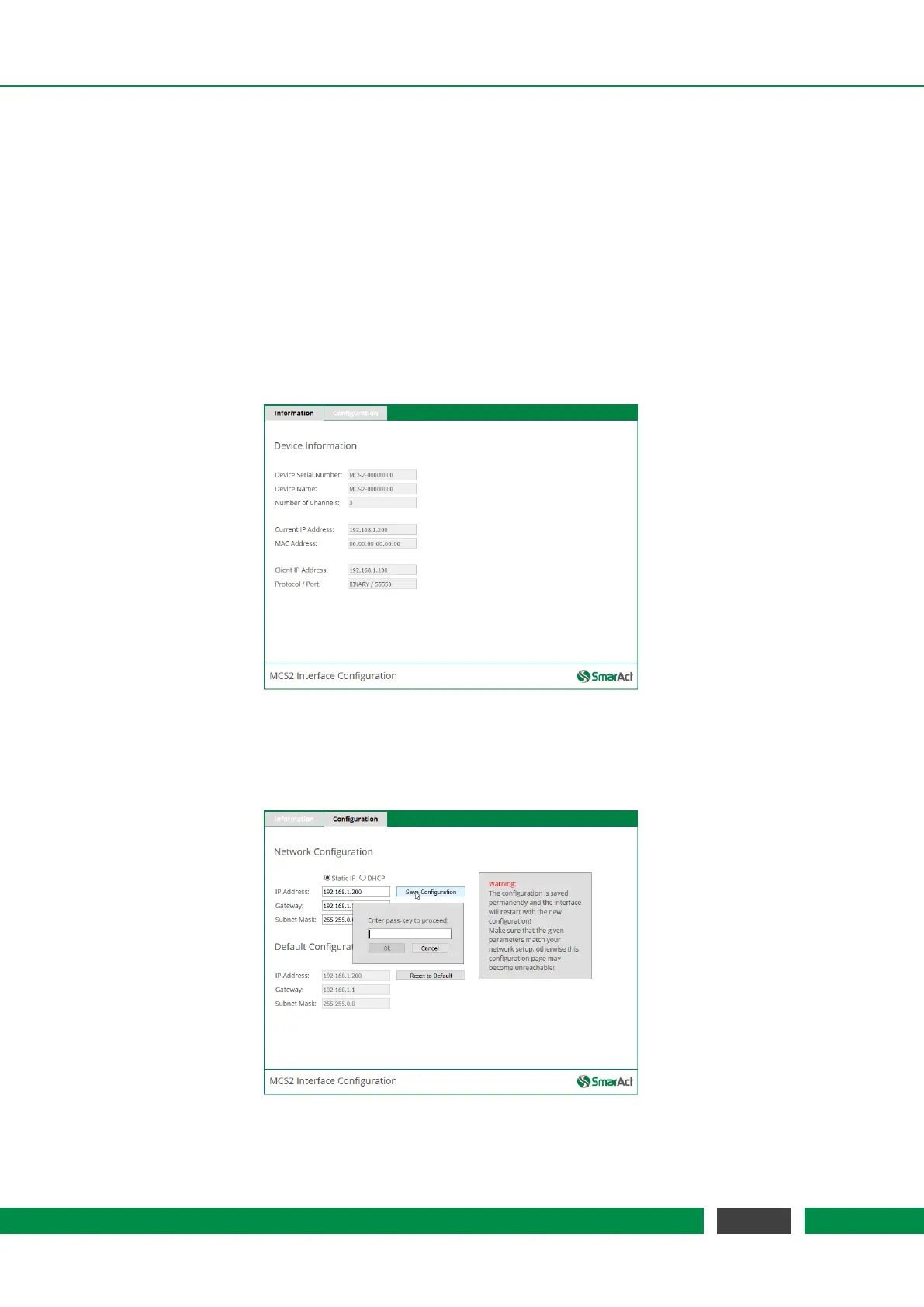
The following webpage should be displayed:
Figure 3.1: Device Information Tab of the Webpage
The ‘Information‘ tab gives some general information about the device, like serial number, device
name, number of channels, etc.
Figure 3.2: Configuration Tab of the Webpage
19
MCS2 User Manual



 To Next Page