Chapter 2
Installing and securing your interactive whiteboard
smarttech.com/kb/001414 25
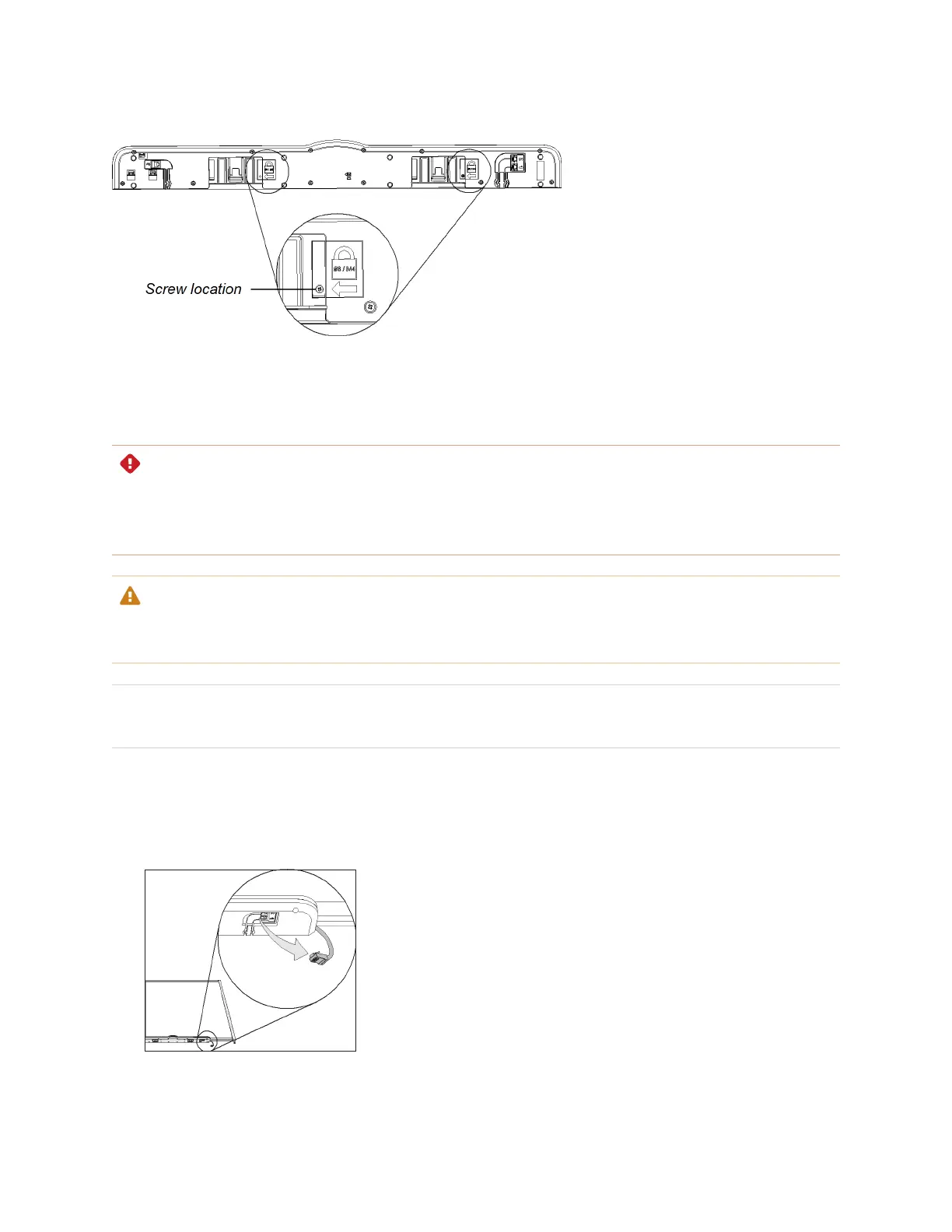
Removing the pen tray
You might need to remove the pen tray when you transport or repair your interactive whiteboard.
WARNING
There are no user-serviceable parts inside the pen tray. Only qualified personnel should disassemble the
pen tray’s printed circuit boards, and this procedure must be done with proper electrostatic discharge
(ESD) protection.
CAUTION
If dust or small items prevent the pen tray buttons from being pressed or cause constant button contact,
remove the obstructions carefully.
NOTE
You don’t need to wear ESD protection when performing the following procedure.
To remove the pen tray
1. Turn off your interactive whiteboard by disconnecting the USB cable to your computer or by
disconnecting the expansion module’s power supply, as appropriate.
2. Remove the pens and the eraser from the pen tray.


 To Next Page