Chapter 2
Installing and securing your interactive whiteboard
smarttech.com/kb/001414 26
3. Reach under the pen tray and disconnect the modular cable.
4. If you secured the pen tray to its brackets using two screws as described in the previous section,
remove these screws.
5. If you secured the pen tray using a Kensington lock or similar device, unlock and remove the lock.
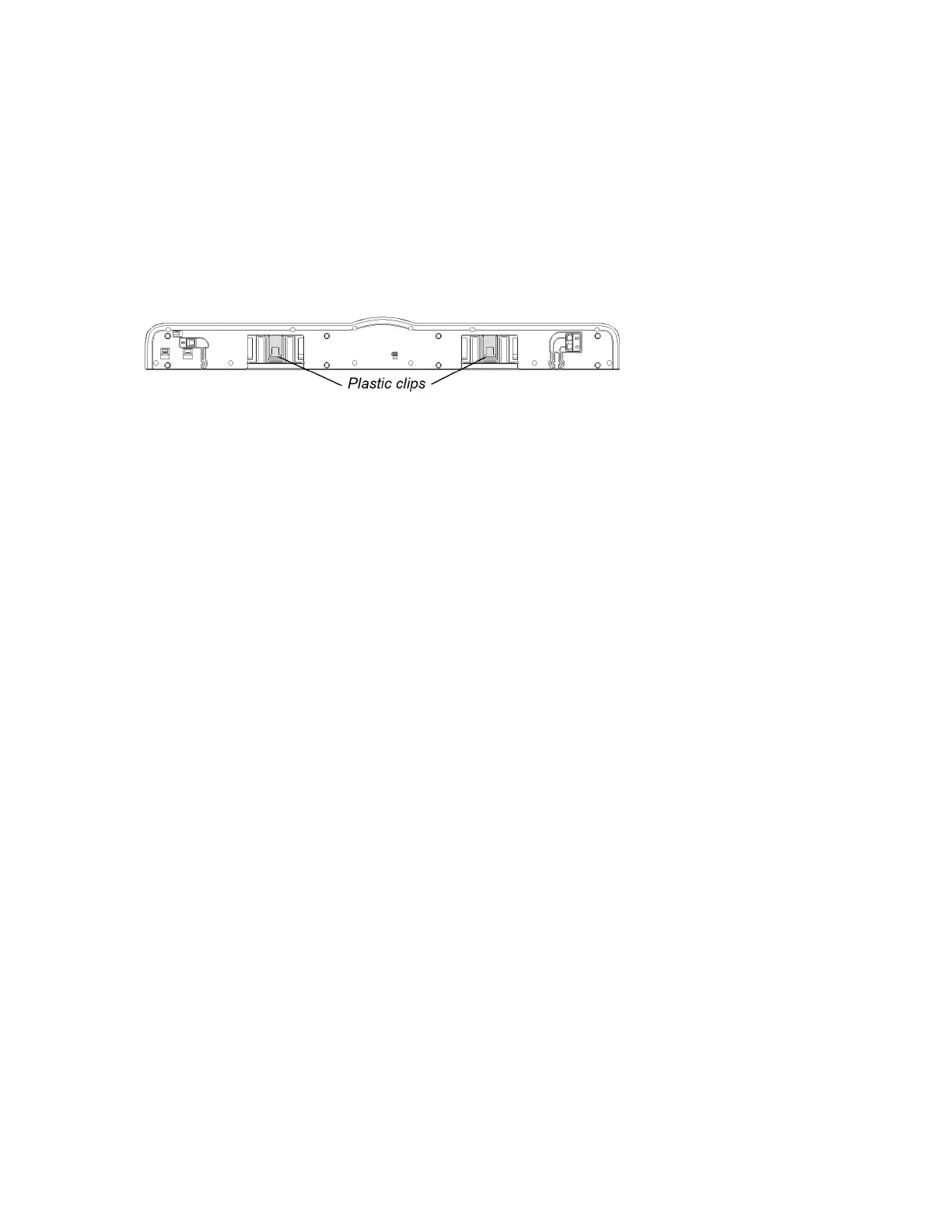
6. Reach under the pen tray and pull down on the two large plastic clips. Because the ends of these clips
project slightly downward, they’re easy to locate.
7. While applying downward pressure to the clips, gently slide the pen tray toward you until it detaches
from the two L-shaped metal brackets.


 To Next Page