10
Installation instructions
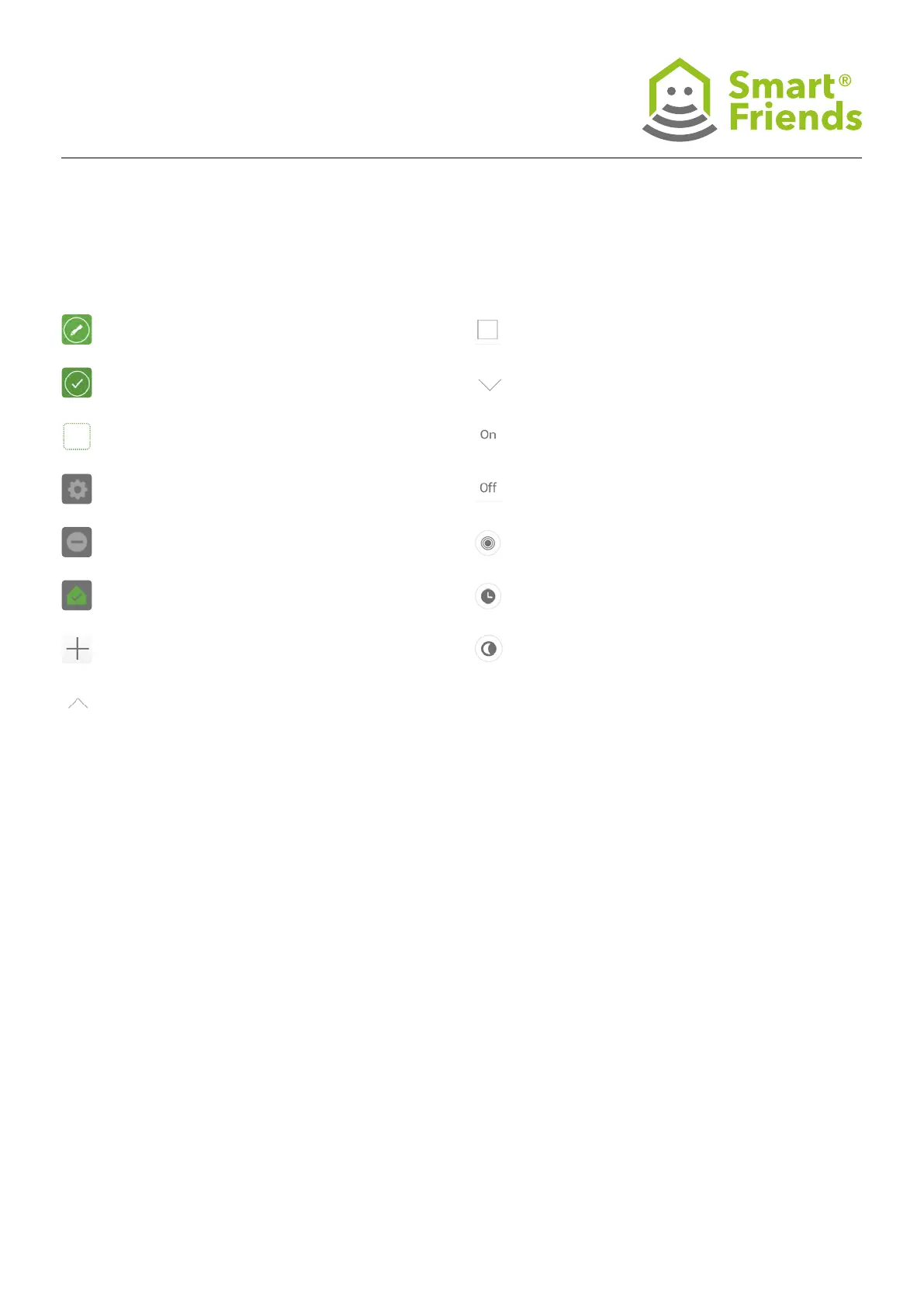
Stop button
Scroll down button
On button
Off button
Devices: A scene can be performed by triggering
a device.
Timer: A scene can be triggered by a dened
timer setting.
Astro function: A scene can be triggered depending
on the path of the sun.
Control mode enabled, by pressing Switch
to control mode.
Programming mode enabled, by pressing Switch
to programming mode.
Choose icon for devices, rooms and scenes.
Change settings of devices, rooms and scenes.
Delete devices, rooms and scenes.
Set up the home status of a device.
Add devices, rooms and scenes.
Scroll up button



 To Next Page